Practical guides on framing, backdrops, sizing and export, written from inside the studio so every step is one you can actually do.
Mockship now has the iPhone 18 Pro and iPhone 18 Pro Max, in four finishes, so your mobile screenshots can sit in this year's phone the day you need them.
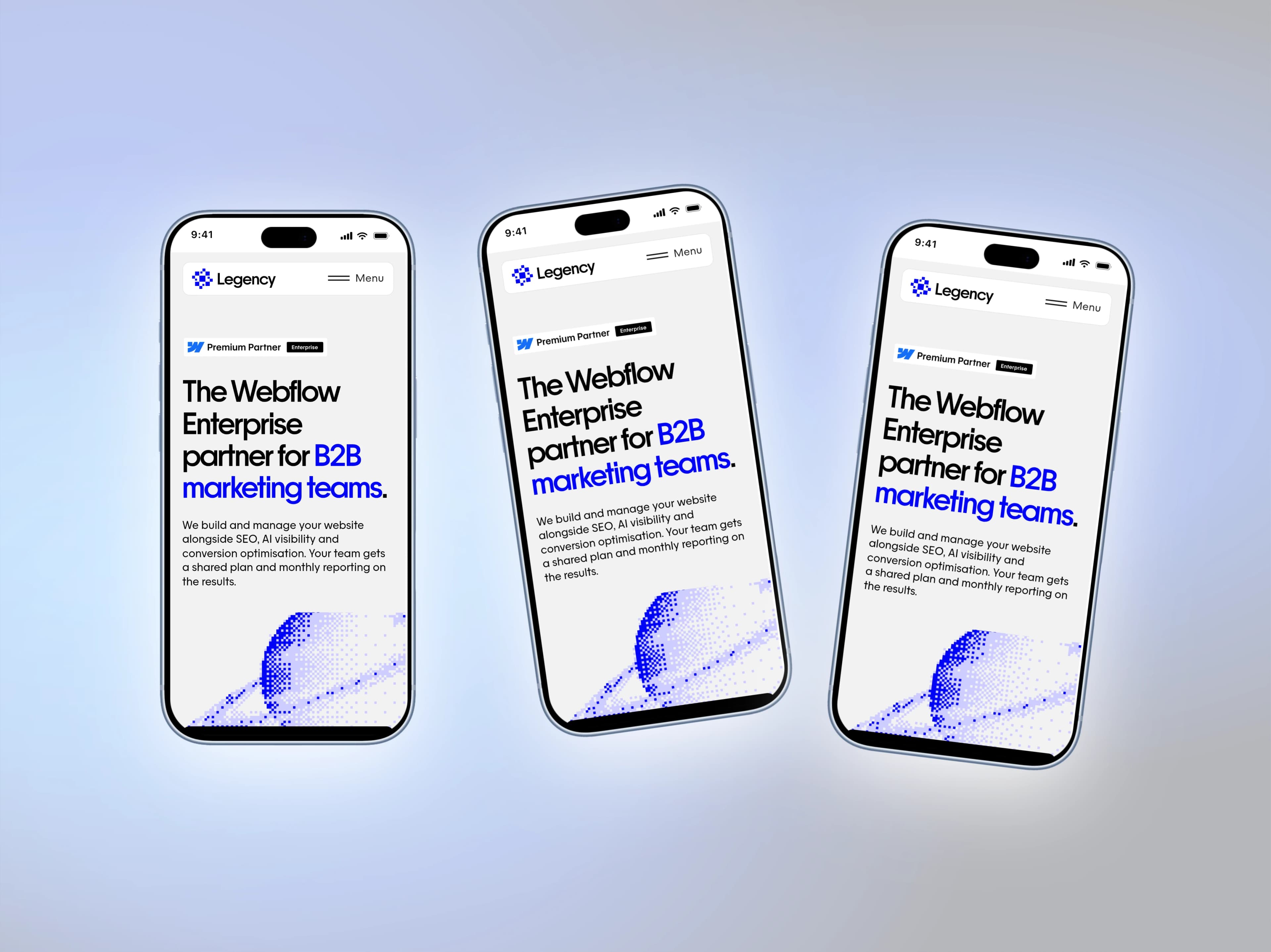
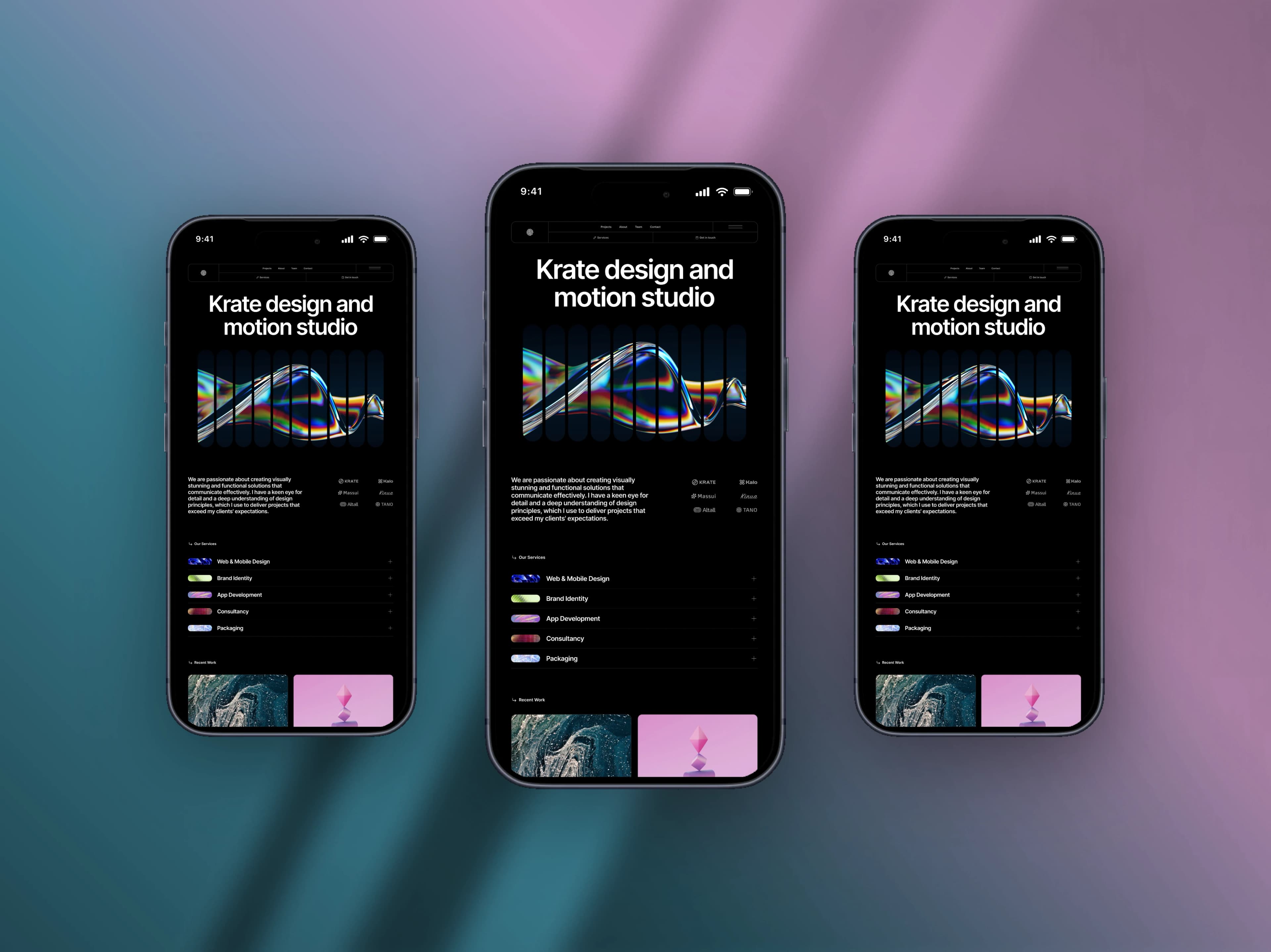
Turn a plain phone screenshot into a post worth showing — a real device frame, a backdrop that matches, and the right canvas for the feed.
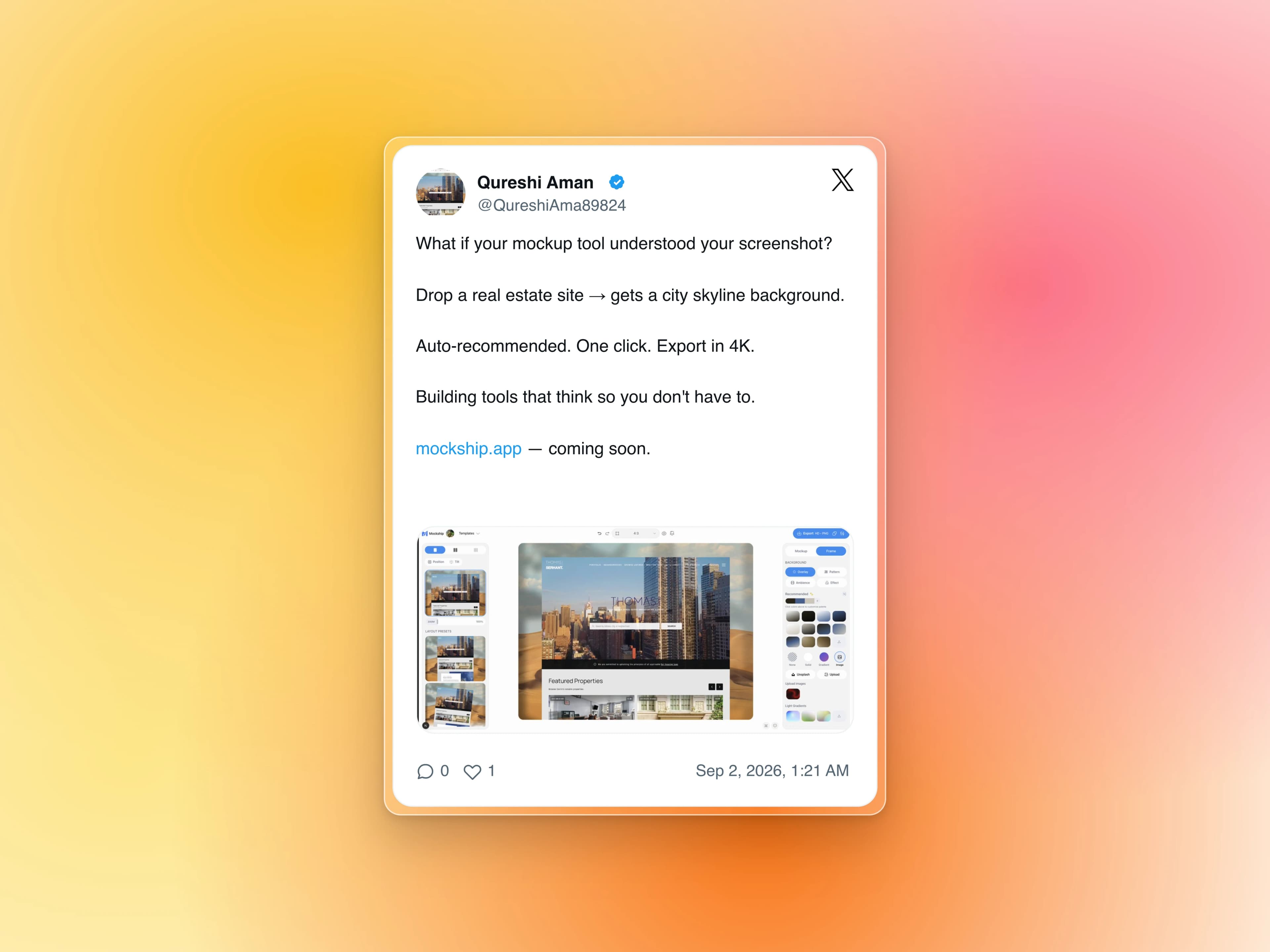
Paste the link, get the real post as a clean card on a backdrop — no cropping a screenshot, no stray UI, no blurry text.
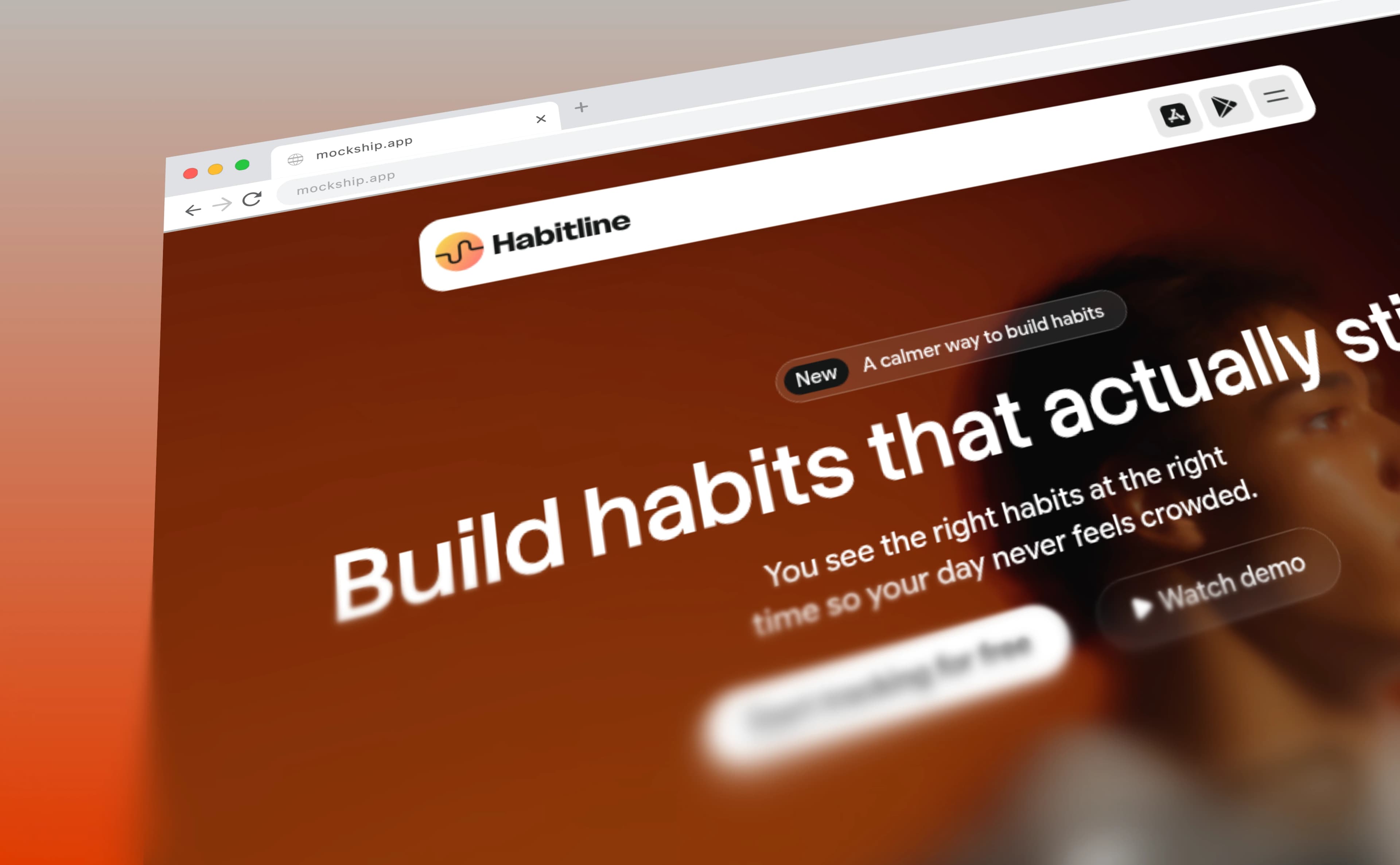
The window chrome that turns a flat capture into a website — with your own domain in the address bar and your favicon on the tab.
Every browser can capture a whole page without an extension. Here is how, and how to frame the tall image you end up with.
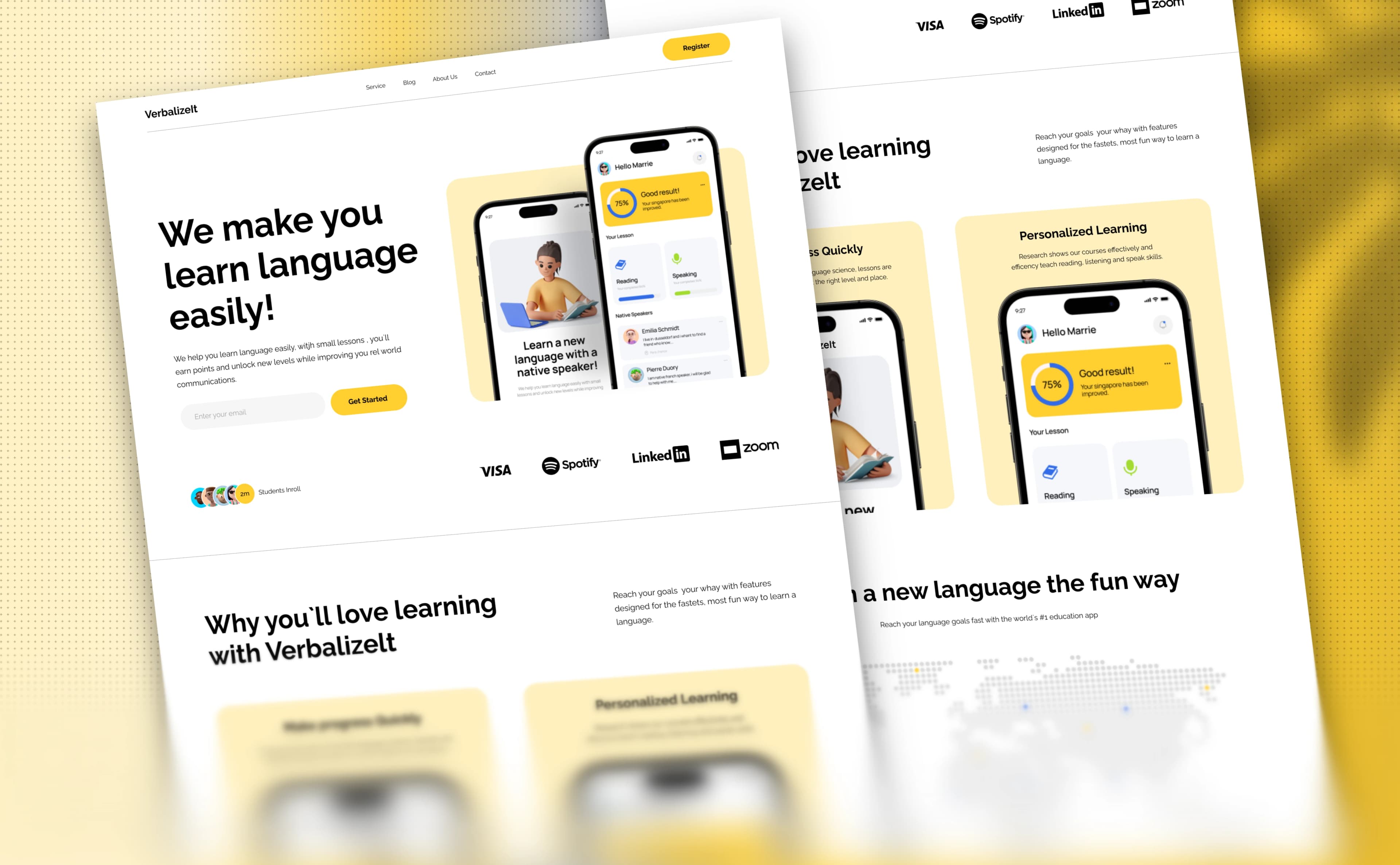
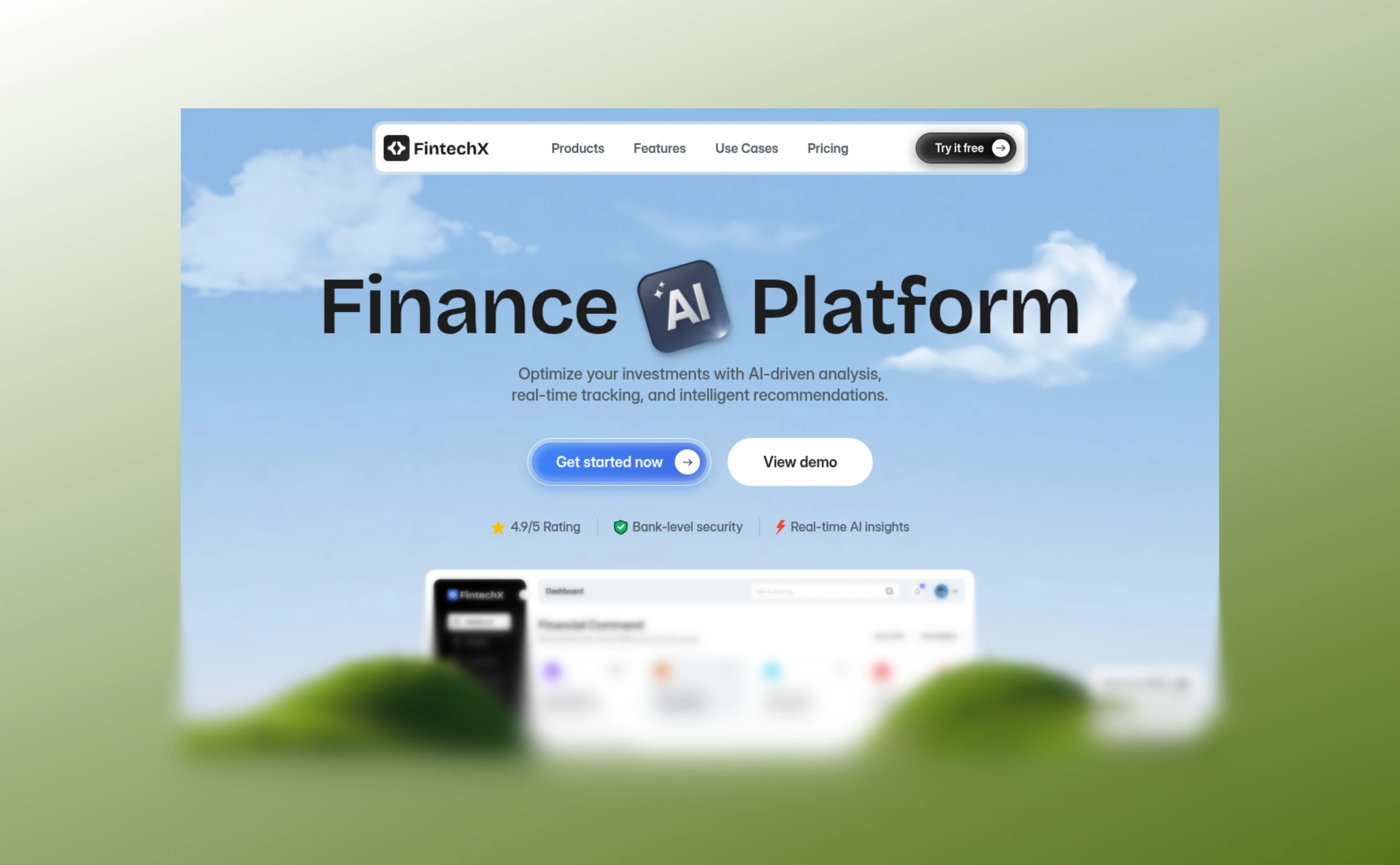
The gradient blur that fades a long page into the background — what it is for, and the four sliders that control it.
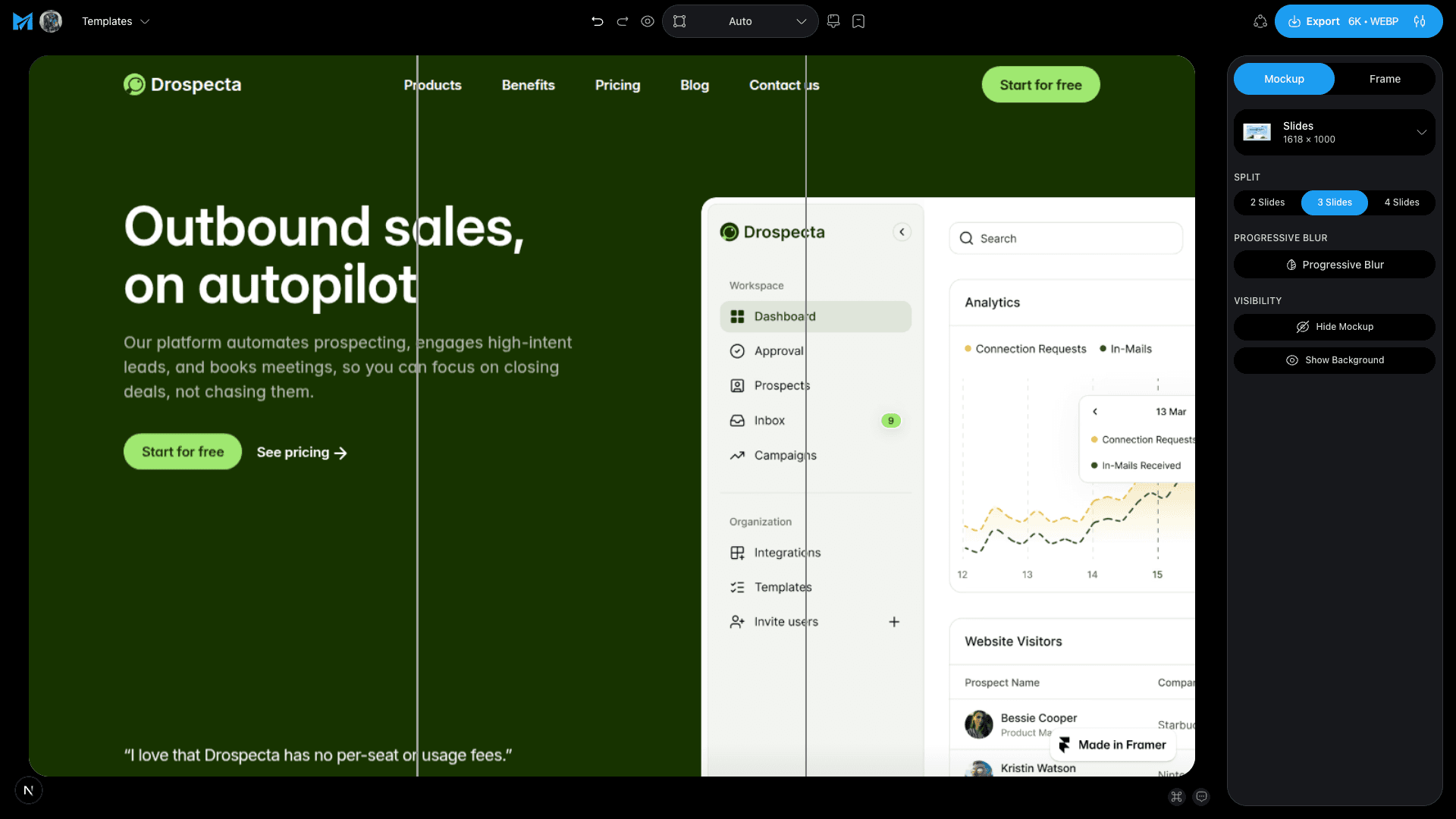
Design one wide picture, cut it into slides, and let the swipe reveal it — the trick behind carousels that people actually finish.
What separates a capture that looks like evidence from one that looks designed — the frame, the backdrop, the shadow and the size you export at.
Drop a screenshot in, pick a frame and a backdrop, and export. No signup, no watermark.