iPhone 18 Pro and Pro Max Mockups for Your App Screenshots
Mockship now has the iPhone 18 Pro and iPhone 18 Pro Max, in four finishes, so your mobile screenshots can sit in this year's phone the day you need them.
3 min read
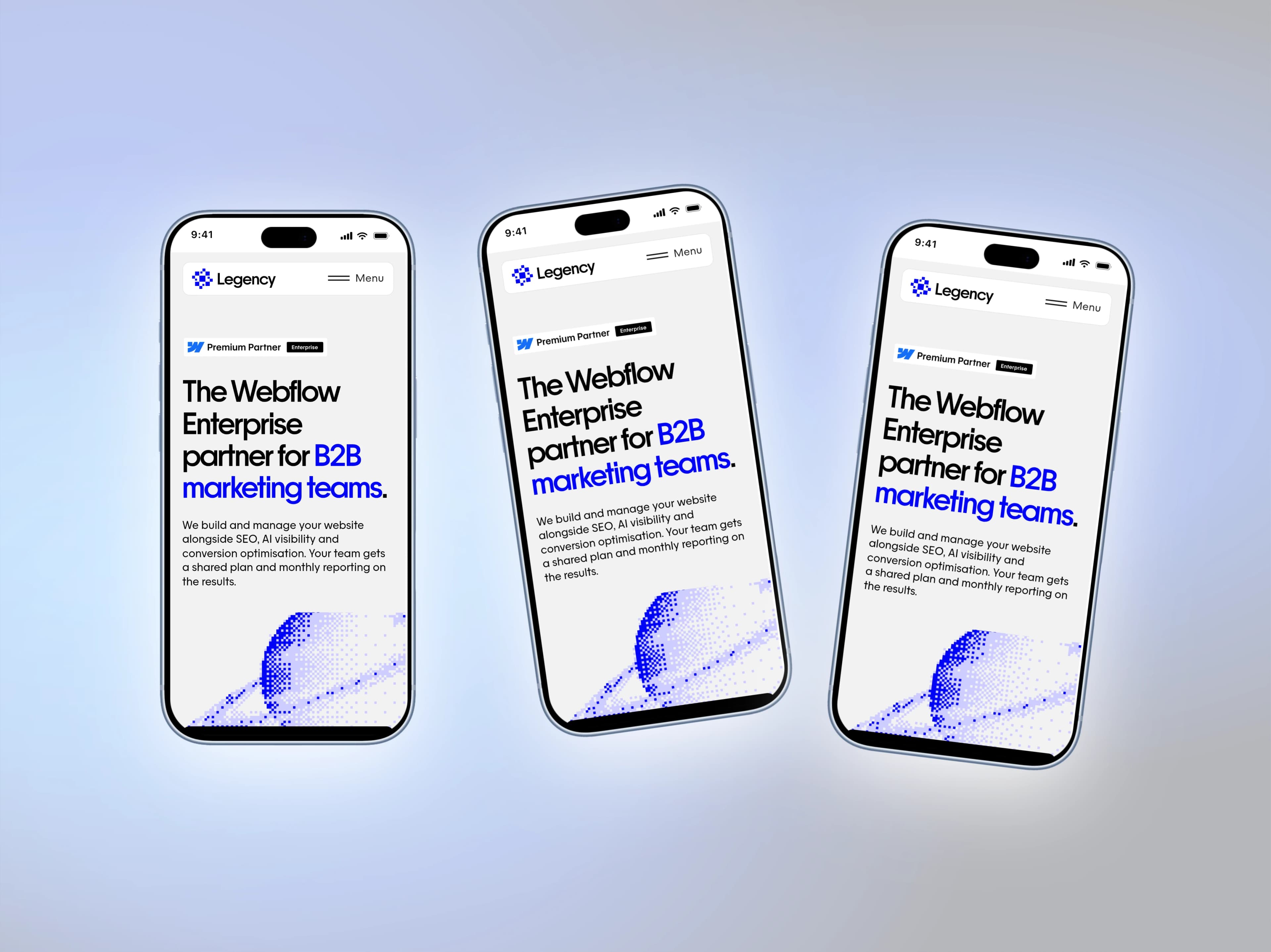
A new iPhone changes what a mobile screenshot is expected to look like. The moment the 18 Pro is in people's hands, a screenshot inside last year's frame reads as last year's app. Mockship has the iPhone 18 Pro and the iPhone 18 Pro Max ready today, drawn to the real device's proportions, in the four finishes Apple ships.
What is in the frame
Two models
The iPhone 18 Pro at 402 × 874 points and the iPhone 18 Pro Max at 440 × 956. Pick either from the mockup list or open it straight from the studio URL.
Four finishes
Burgundy, Black, Glacier and Silver. The finish is a one-click switch in the Style section, so you can match a brand colour or a backdrop without rebuilding anything.
Real proportions
The screen opening, corner radius and Dynamic Island are measured from the device art, so a screenshot captured on the phone drops in edge to edge with nothing stretched and nothing peeking out from under the bezel.
Status bar on or off
Keep the status bar from your capture, or let Mockship draw a clean light or dark one over the top with the time set to 9:41.
From screenshot to showcase in four steps
- 1
Capture on the device
Side button and volume up on the phone, or Command S in the iOS Simulator. Either gives you the device's own ratio, which is what lets the screenshot fill the frame without cropping.
- 2
Open the iPhone 18 Pro mockup and drop it in
Drag, paste or upload. The screenshot is fitted to the screen automatically. Switch to the Pro Max from the mockup list if that is the phone you shipped on, and choose a finish in the Style section.
- 3
Let the screenshot pick the backdrop
The Recommended section reads the colours out of your screenshot and builds gradients and meshes from them, so the background agrees with the app. Prefer a curated look? The Palettes button holds sixteen ready-made palettes that generate the same way.
- 4
Finish and export
Tilt the phone a few degrees with the position controls, add a soft shadow overlay, and set the canvas for where the image is going: 1600 × 900 for X, 1080 × 1080 for Instagram, 1290 × 2796 for an App Store screenshot. Export PNG or JPEG at HD for free.
Pro or Pro Max: which frame to use
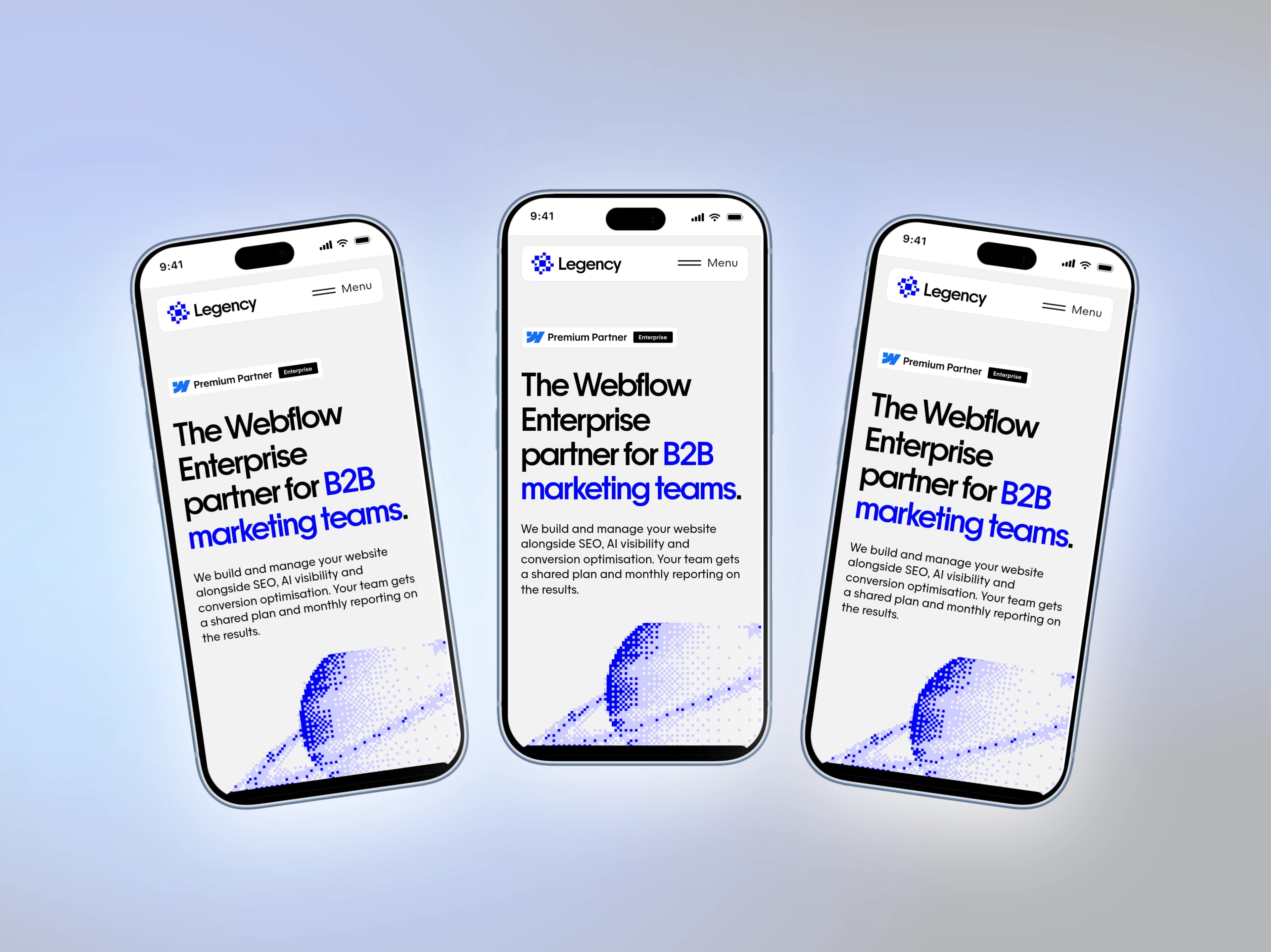
Use the frame that matches where the screenshot came from. A Pro Max capture placed in the Pro frame still fits, because the two screens share a ratio to the second decimal, but the phone will read a touch smaller than it should. When you show both, put them in a two-frame layout and let the Pro Max stand slightly taller. That size difference is real and viewers register it, even if they could not say why the lineup looks right.
Where these mockups do the most work
App Store and Play listings
The App Store canvas preset frames a single phone at the size Apple expects. Three screenshots in three finishes make a listing look considered rather than templated.
Launch posts
A phone on a backdrop built from your own app colours, exported at 1600 × 900, is the X post that gets the screenshot looked at instead of scrolled past.
Portfolio and case studies
Three frames in a fanned layout with a light shadow overlay carry a whole flow in one image. Split it with Slides when you want a carousel instead.
Pitch decks and landing pages
Export at 4K on Pro when the image will be shown large. The frame art stays crisp because the device is drawn from measured proportions, not a stretched photo.
Older iPhones are still here
The iPhone 17, 17 Pro, 17 Pro Max and 17 Air, the 16 Pro and Pro Max, and the 15 line all stay in the mockup list, along with iPads, Android phones, the MacBook Pro and the iMac. If your app still targets an older device, or you want a lineup across generations, mix them in the same design.
Open the iPhone 18 Pro mockupTags
Share
More from the blog
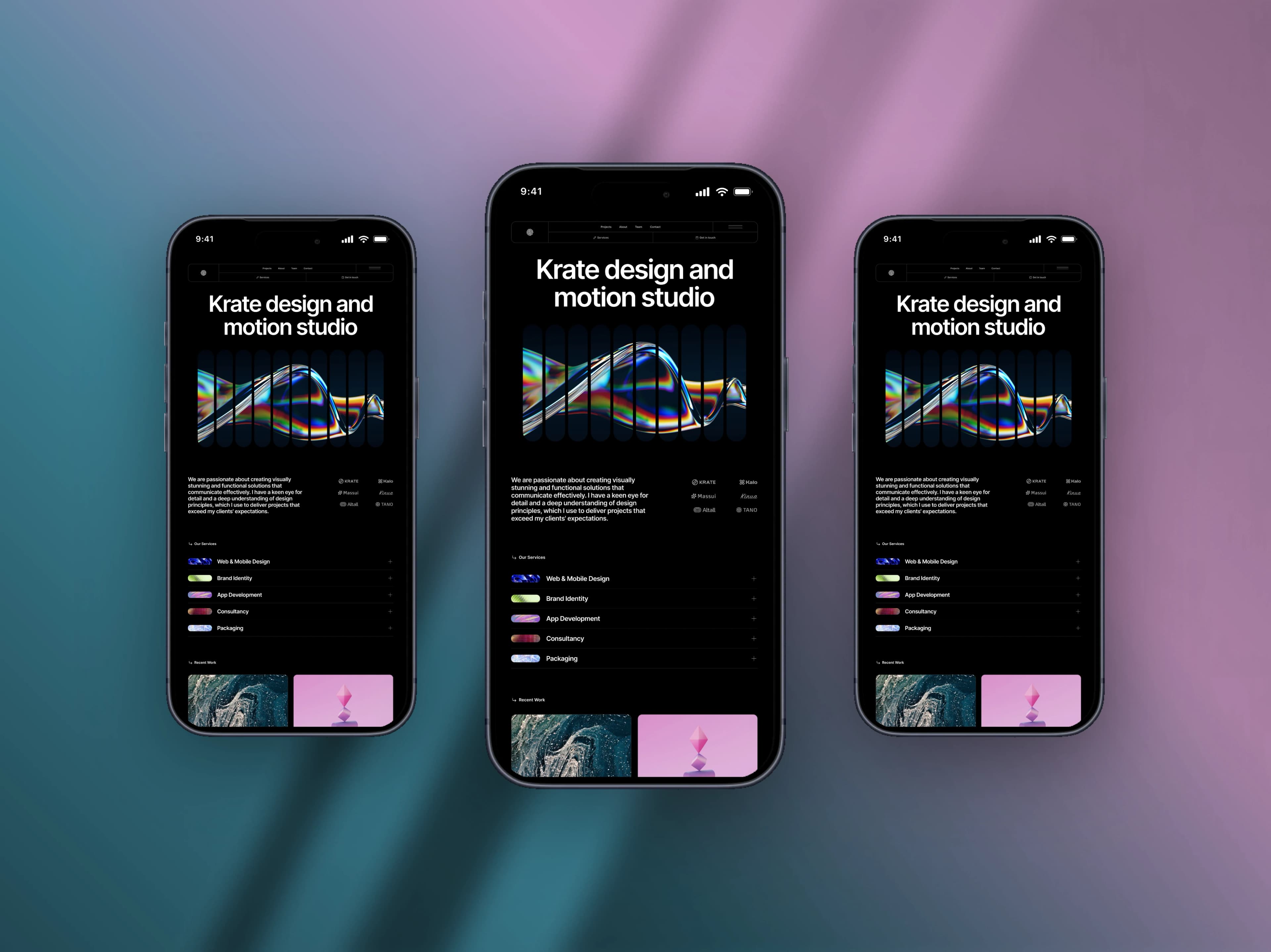
How to Make a Mobile Screenshot Mockup for Social Media
Turn a plain phone screenshot into a post worth showing — a real device frame, a backdrop that matches, and the right canvas for the feed.
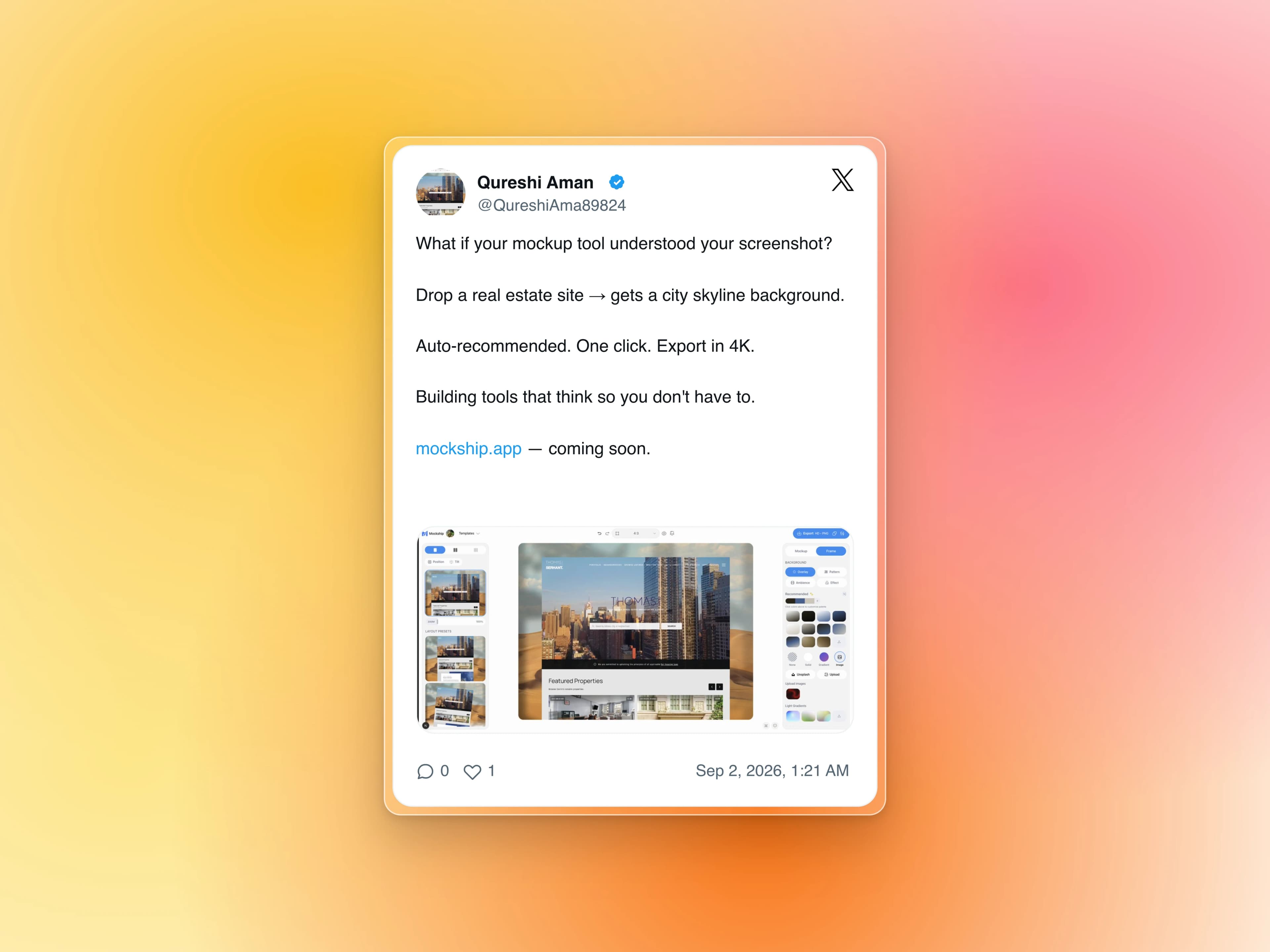
How to Turn a Tweet Into a Beautiful Image
Paste the link, get the real post as a clean card on a backdrop — no cropping a screenshot, no stray UI, no blurry text.
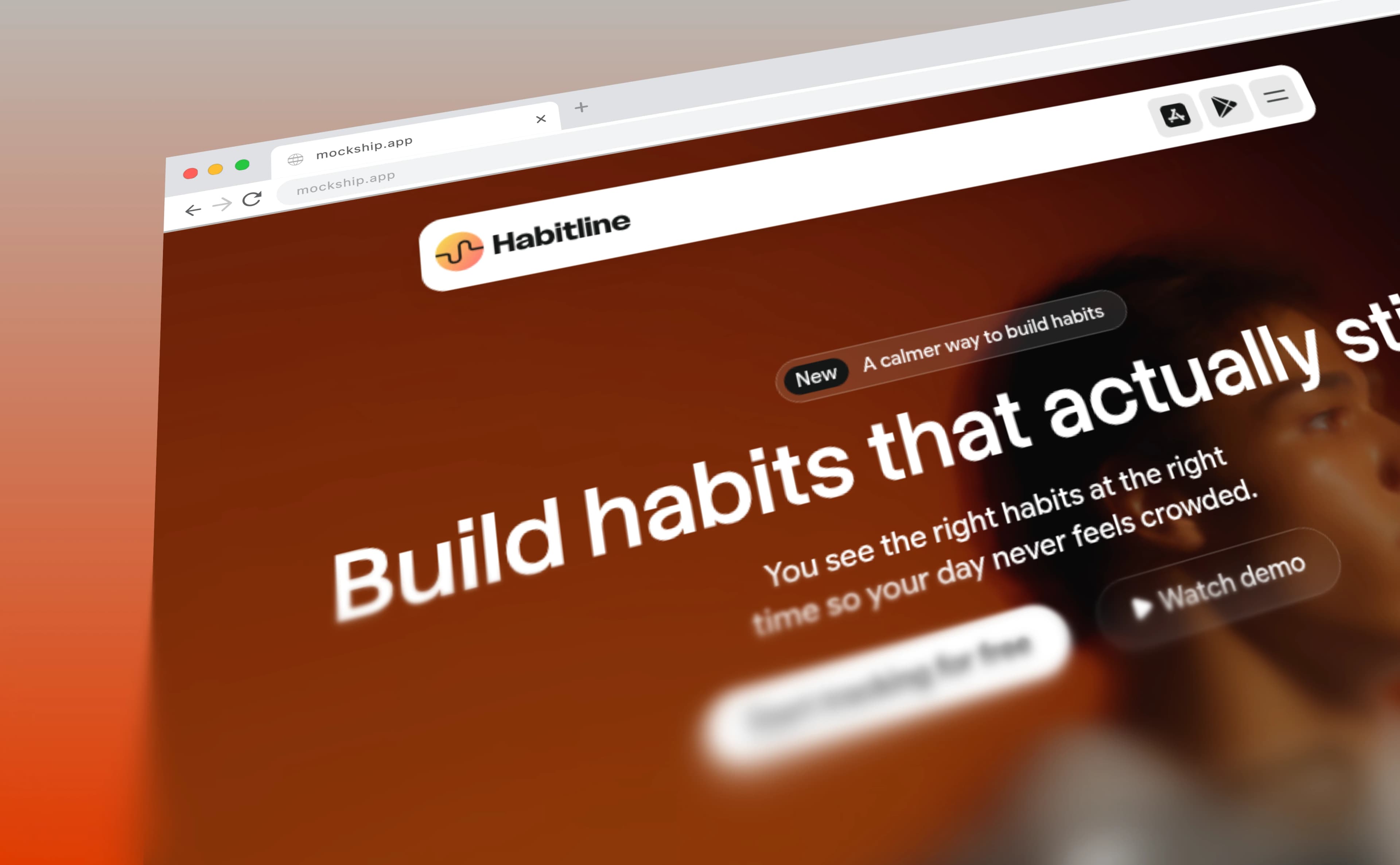
How to Add a Browser Frame to a Screenshot
The window chrome that turns a flat capture into a website — with your own domain in the address bar and your favicon on the tab.