How to Make a Mobile Screenshot Mockup for Social Media
Turn a plain phone screenshot into a post worth showing — a real device frame, a backdrop that matches, and the right canvas for the feed.
2 min read
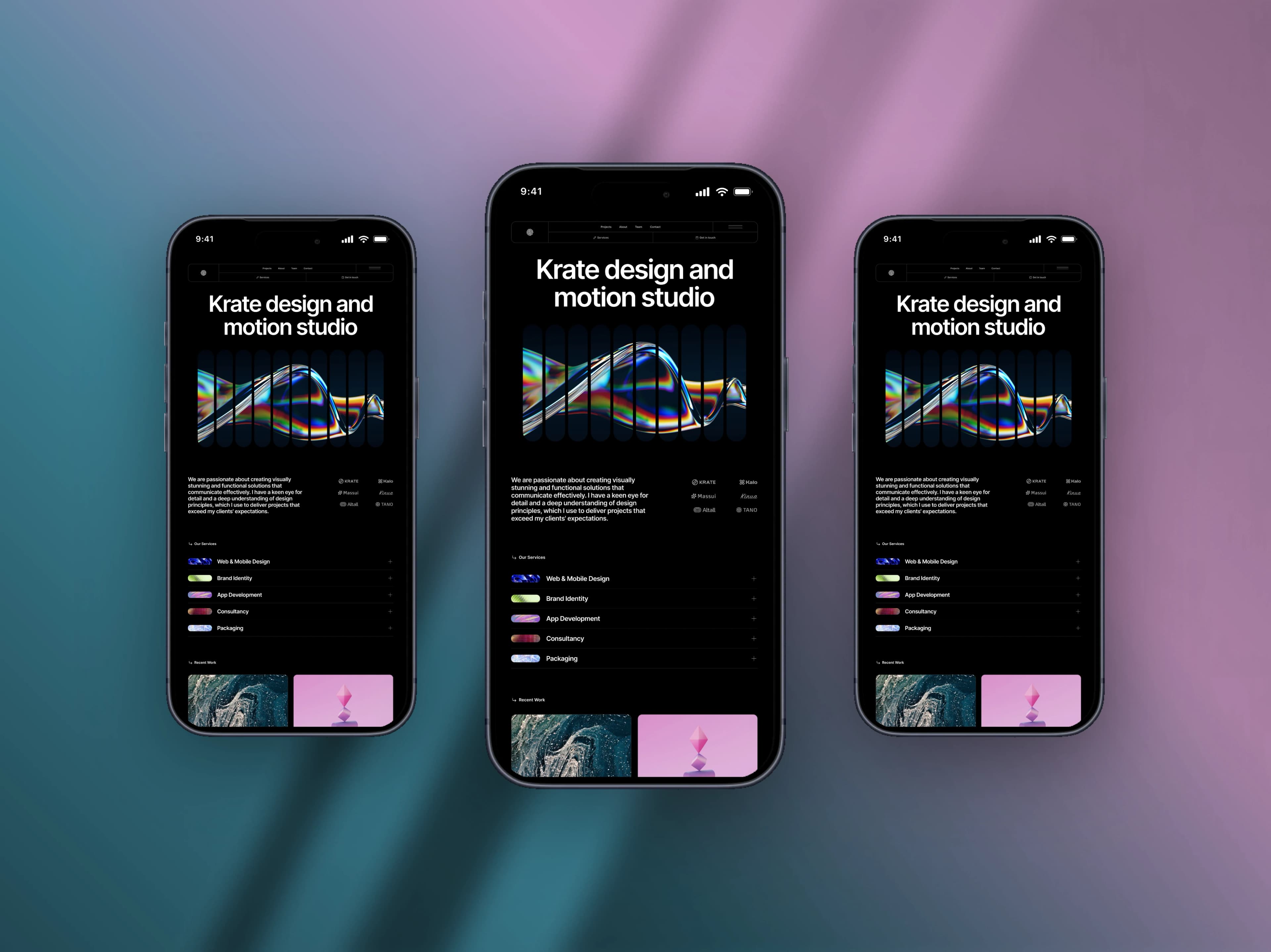
A bare phone screenshot posted straight to a feed reads as a bug report. The same screenshot inside a device frame, on a backdrop, at the right size reads as a product. It is four decisions, and none of them need a design tool.
- 1
Capture on the device, not a resize
Side button and volume up on iPhone, or the iOS Simulator for a guaranteed clean status bar. Capturing at the device's own ratio is what stops the screen looking stretched inside the frame.
- 2
Drop it in and pick the frame
Drag, paste or upload — the screenshot is fitted to the screen automatically. Choose from 22 device frames and 64 arrangements: one phone straight on, tilted, or two and three together when you want to show a flow.
- 3
Let the screenshot choose the backdrop
The suggested gradients and meshes are built from the colours already in your screenshot, so the background agrees with the app instead of competing with it.
- 4
Lift it with a shadow, gently
A large, faint shadow makes the phone feel like it is resting on something. If you notice the shadow before the screen, turn it down.
- 5
Set the canvas for where it is going
X at 1600 × 900, LinkedIn at 1200 × 627, Instagram at 1080 × 1080, a story at 1080 × 1920. Then export — PNG and JPEG at HD are free, with no watermark and no signup.
Showing work, not just a screen
Three phones beat one
A single screen shows a feature. Three side by side show a flow, and give the viewer a reason to look past the first frame.
Design for the thumbnail
Almost nobody opens the image. If the screen is unreadable at a third the width, crop tighter on the part that matters.
Keep the edges clear
Platforms crop, round corners and drop avatars on top. Leave roughly 5% clear on every side and nothing important gets cut.
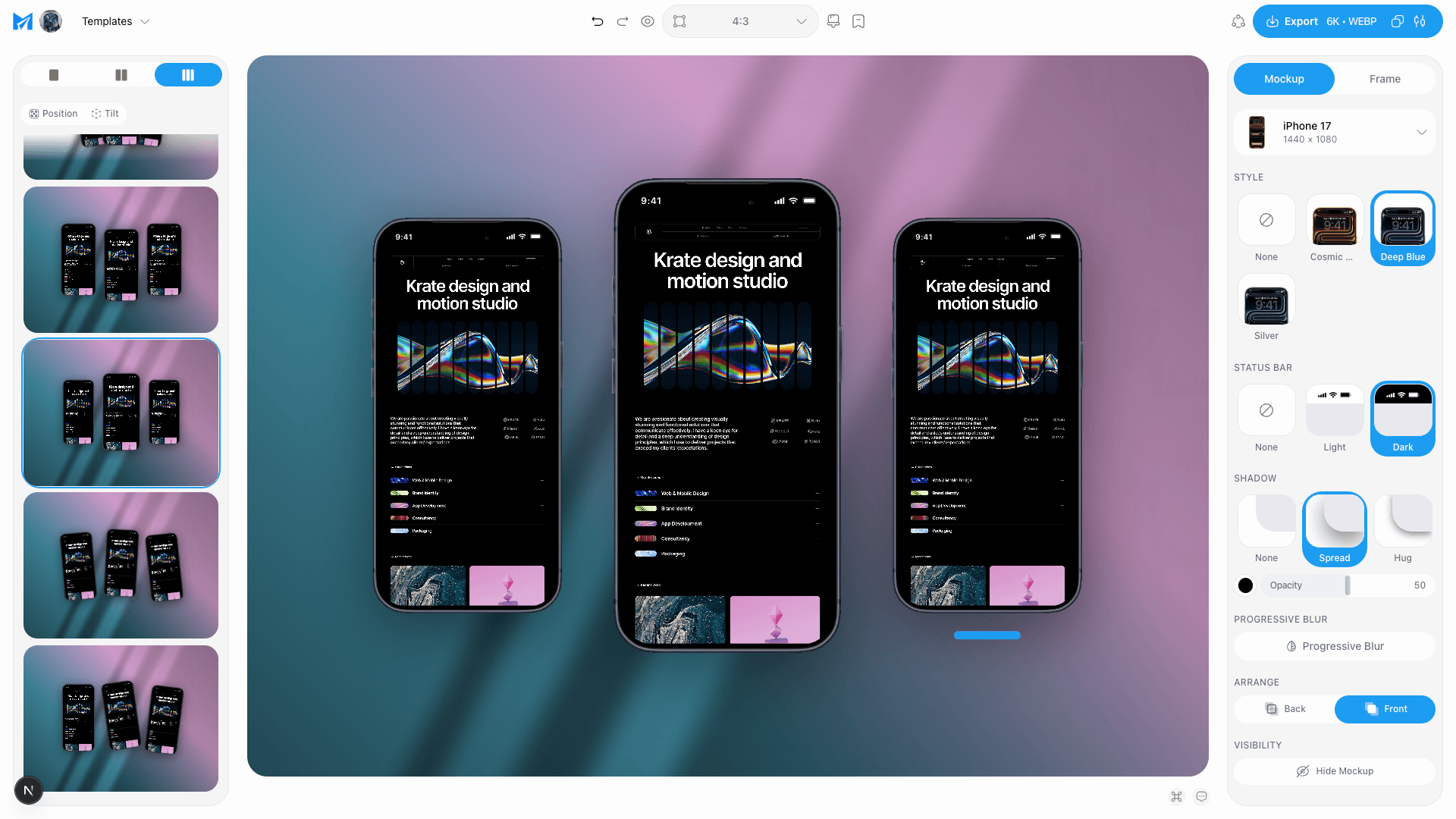
If you would rather skip the choices, start from a template — frame, angle, backdrop and shadow are already set, and the only thing you supply is the screenshot. For a flow that runs past three screens, split one wide design into a carousel instead.
Make a mobile mockupTags
Share
More from the blog
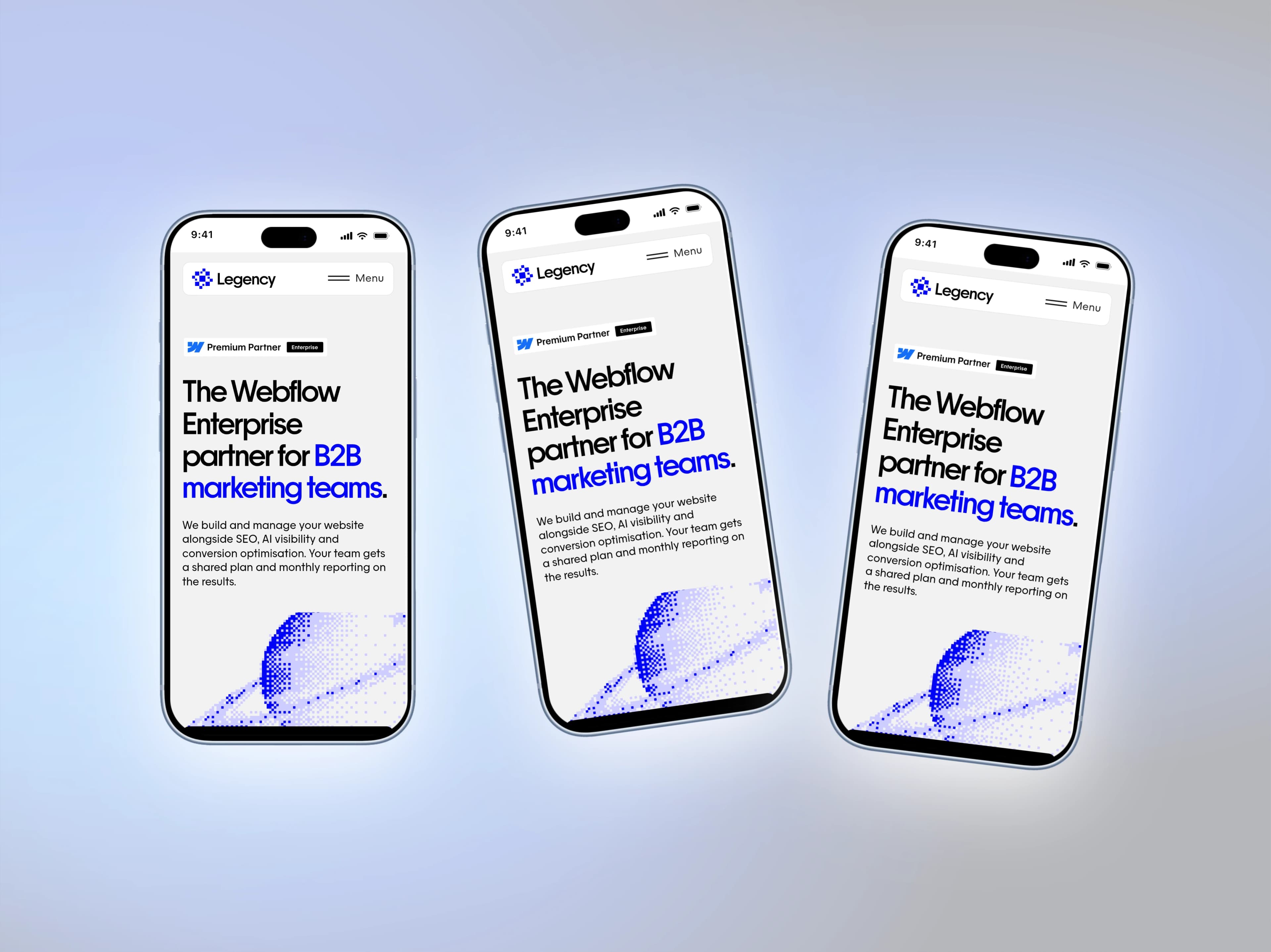
iPhone 18 Pro and Pro Max Mockups for Your App Screenshots
Mockship now has the iPhone 18 Pro and iPhone 18 Pro Max, in four finishes, so your mobile screenshots can sit in this year's phone the day you need them.
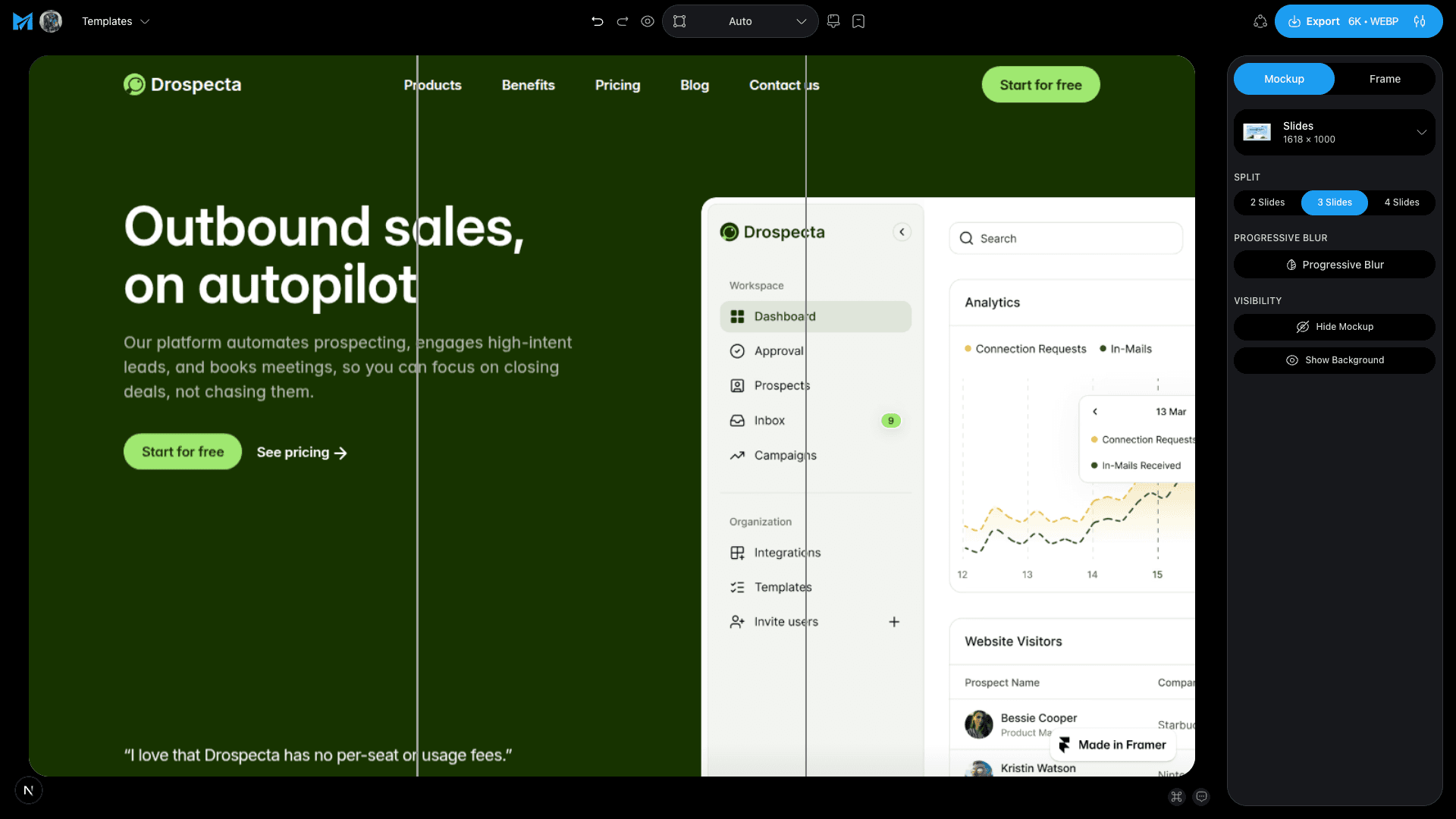
How to Turn One Image Into a Social Carousel
Design one wide picture, cut it into slides, and let the swipe reveal it — the trick behind carousels that people actually finish.
How to Turn a Tweet Into a Beautiful Image
Paste the link, get the real post as a clean card on a backdrop — no cropping a screenshot, no stray UI, no blurry text.