Shades screenshot style, plus fixes
 Screenshot stylesFixes
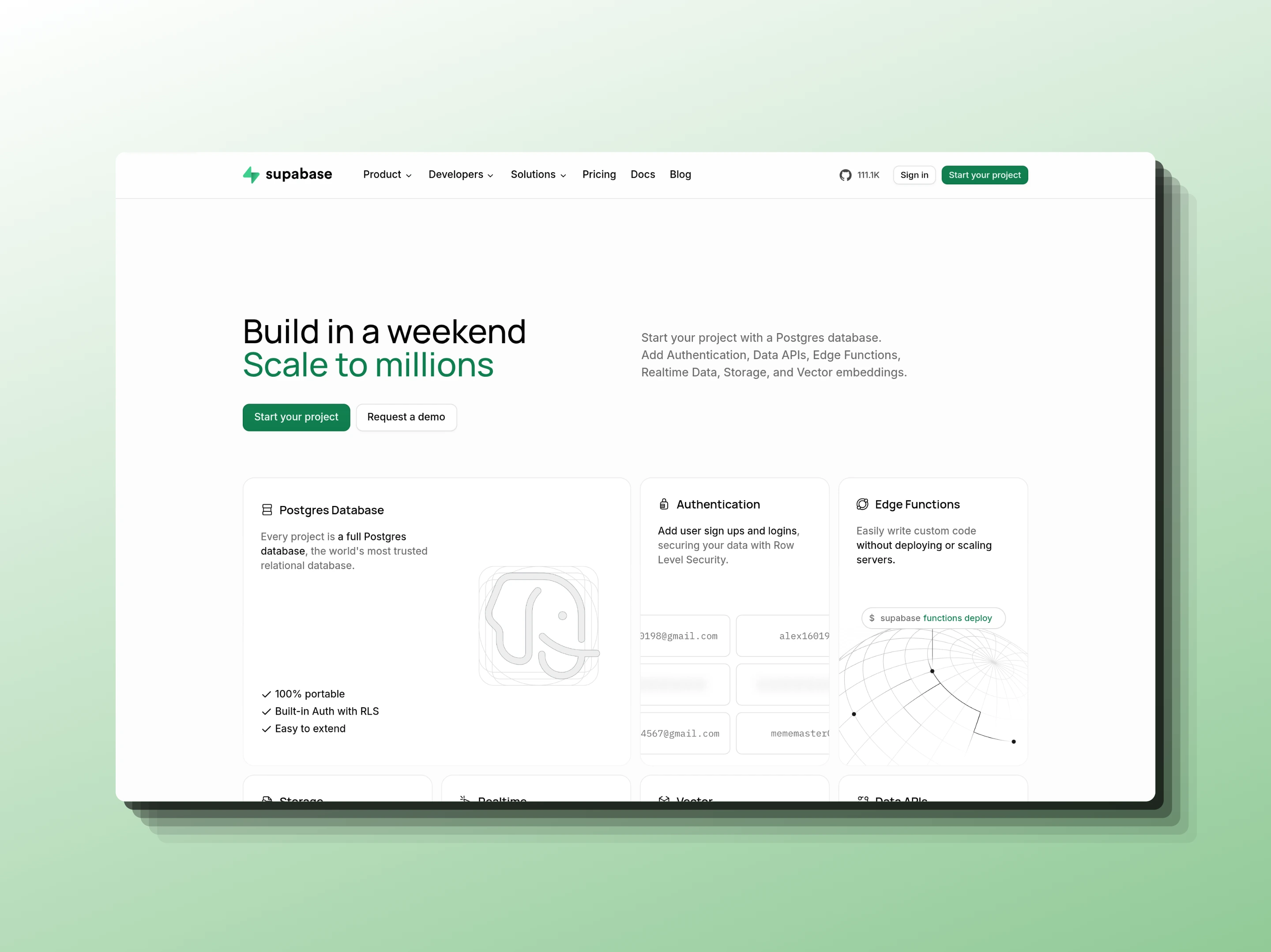
A new Shades style stacks soft, stepped layers behind your screenshot for depth without a heavy drop shadow. Alongside it, a round of smaller fixes across the editor and the site.
- Shades: five fading layers step out from behind the screenshot
- Glass browser window: slimmer side padding and white window dots
- The homepage video now stays muted until you turn the sound on
- Every guide on the blog is reachable from the page list
- Small layout and copy fixes across the site
Tweet to Image and Bluesky post cards
 Tweet to imageBlueskySocial cards
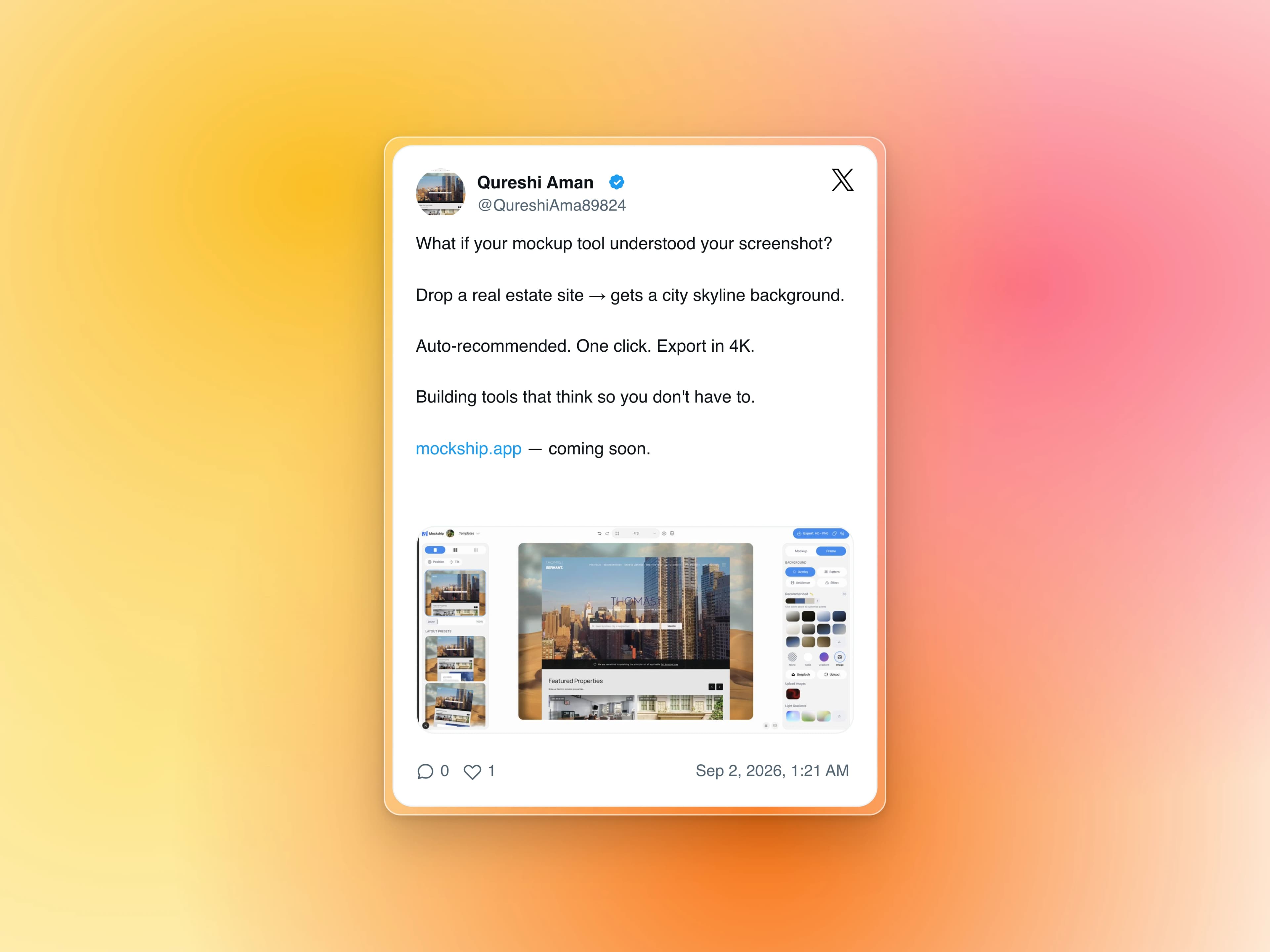
Paste a post link and get the real post back as a clean card, ready to drop on any backdrop. No cropping a screenshot, no stray buttons, no soft text.
- Paste an X or Bluesky post link and the card fills in from the real post
- Light or dark card, with width and scale you control
- Attached photos are rebuilt with the post
- Gradient, mesh and photo backdrops, plus a soft shadow
- Free HD export in PNG or JPEG, with no watermark
iPhone 18 Pro and Pro Max mockups
 Device mockupsiPhone 18
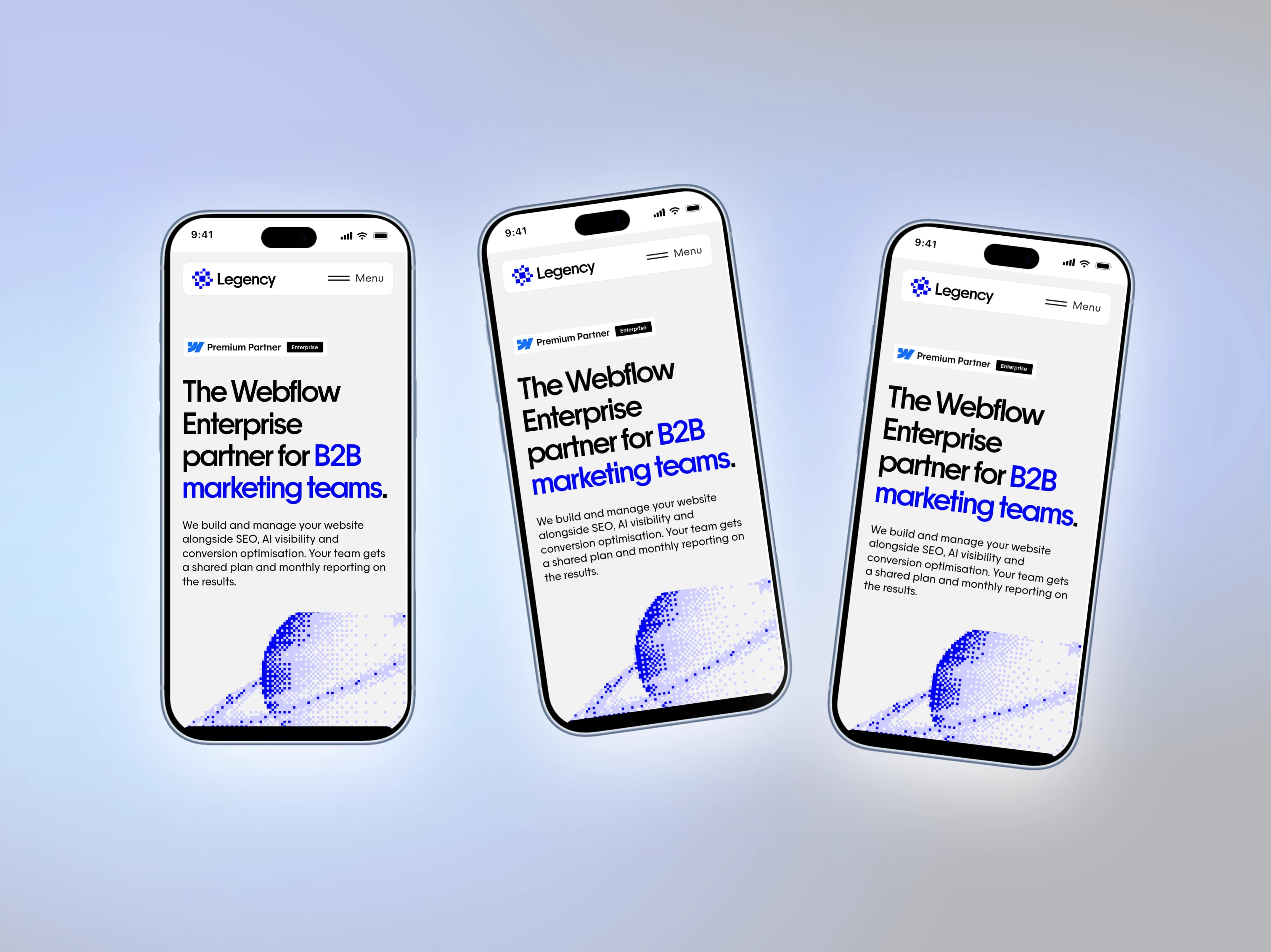
This year's phones are in the mockup list, drawn to the real device's proportions so a screenshot captured on the phone fits edge to edge.
- iPhone 18 Pro at 402 × 874 points and Pro Max at 440 × 956
- Four finishes: Burgundy, Black, Glacier and Silver
- Screen opening, corners and Dynamic Island measured from the device
- Keep your own status bar or use a clean one set to 9:41
Full-page screenshots with progressive blur
 Full pageProgressive blur
Long landing pages now frame at their full height, and a progressive blur fades the bottom edge so the crop looks deliberate instead of cut off.
- Drop in a full-page capture and it keeps its whole height
- Fade any edge: top, bottom, left or right
- Control height, blur strength and falloff
- Optional tint to blend the fade into your backdrop
Carousel slides from one design
 CarouselExport
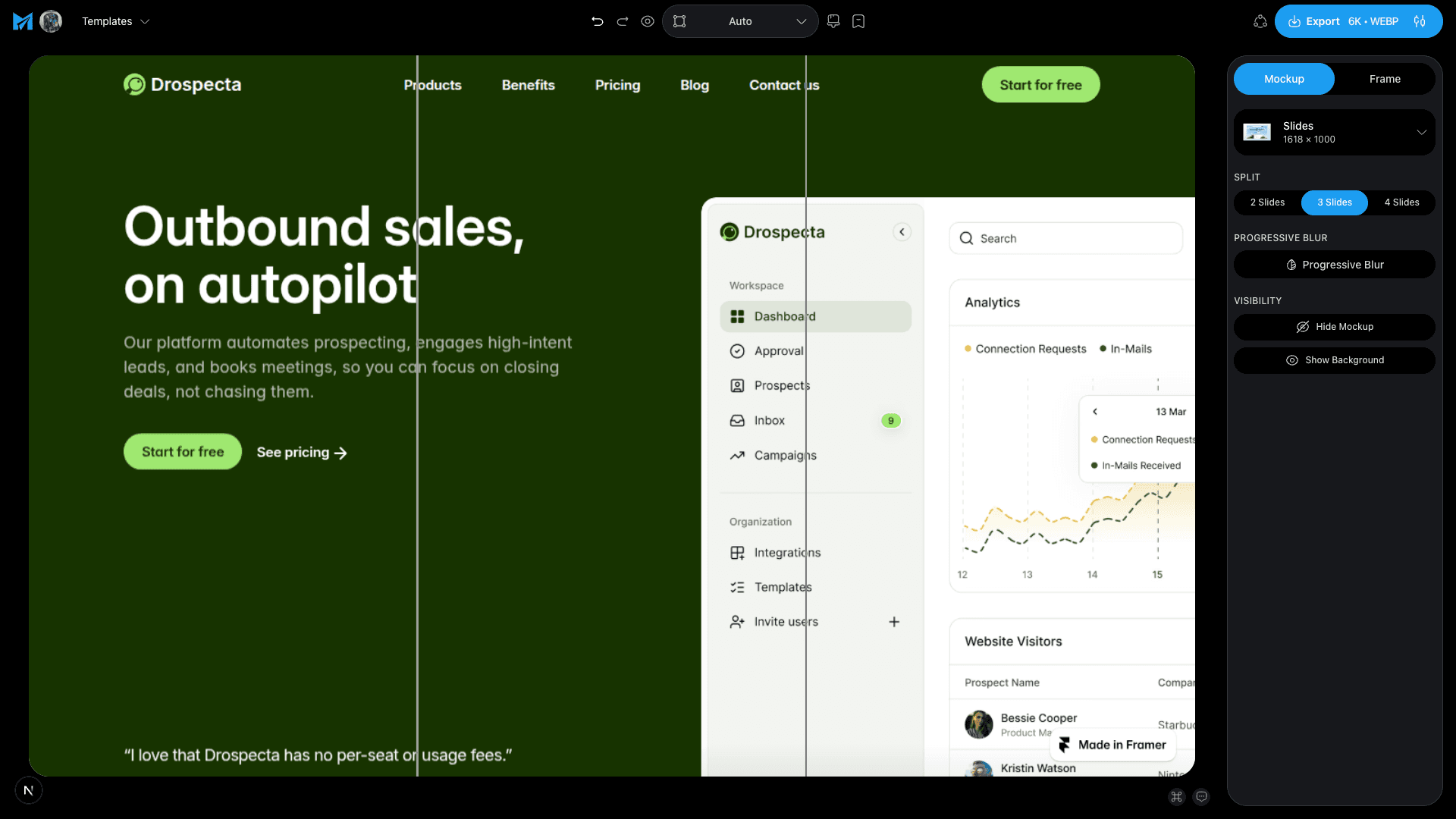
Design one wide canvas and export it as a seamless set of slides for Instagram, LinkedIn or X.
- Split any design into 2, 3 or 4 slides
- The cut follows your canvas, so slides line up when swiped
- Download every slide at once in a zip
- Free on every plan