How to Turn a Tweet Into a Beautiful Image
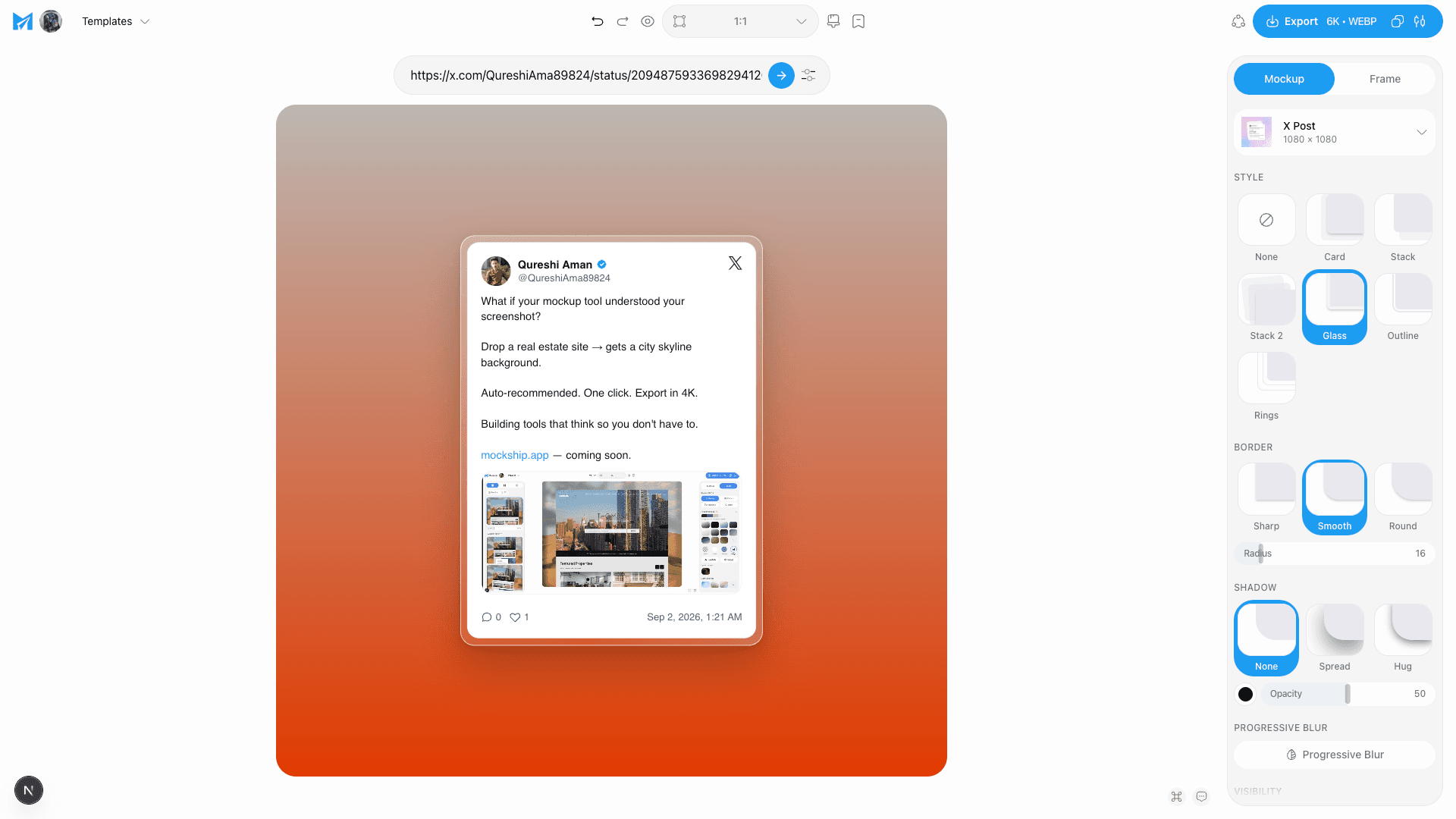
Paste the link, get the real post as a clean card on a backdrop — no cropping a screenshot, no stray UI, no blurry text.
2 min read
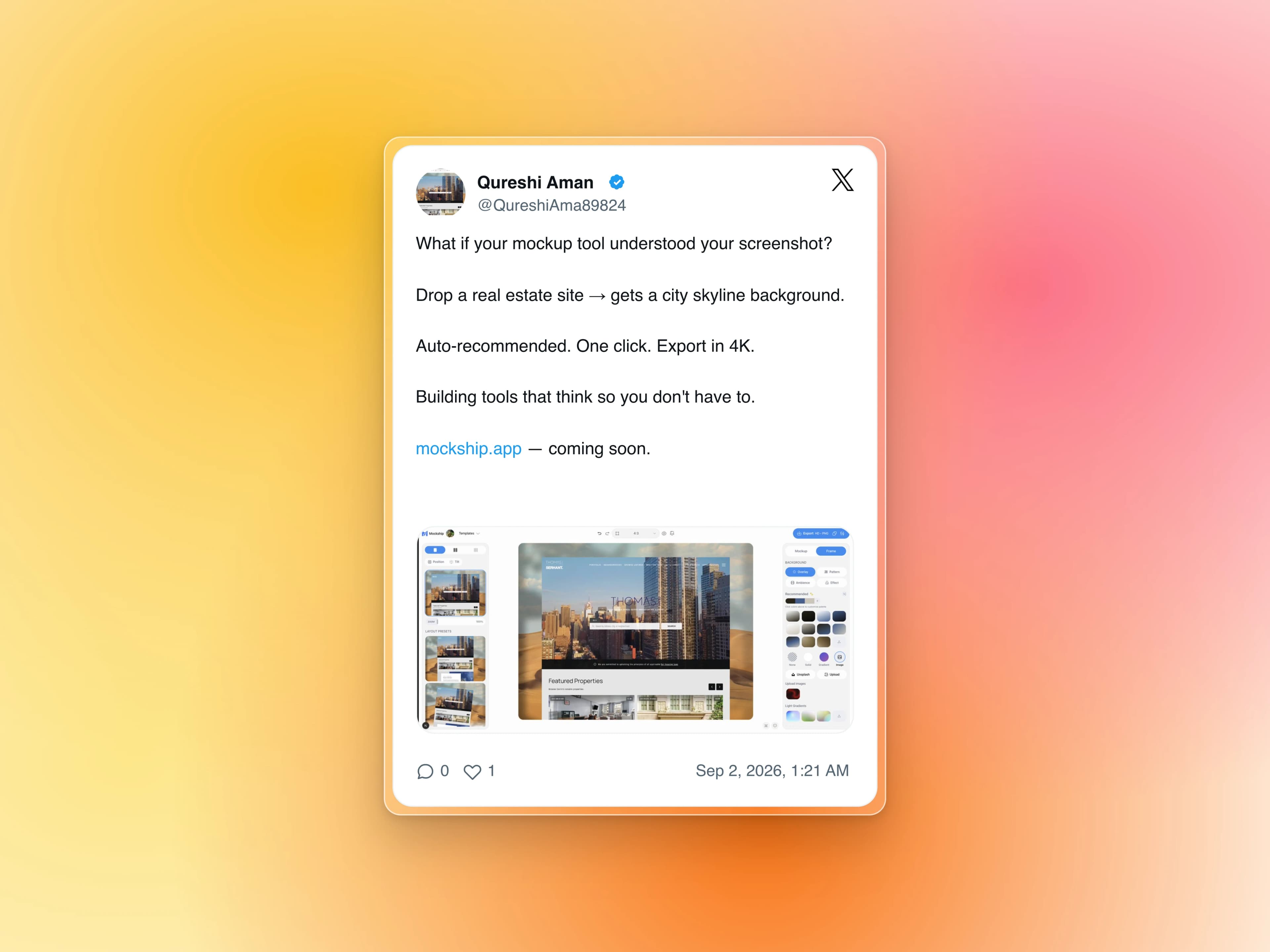
Cropping a screenshot of a post is the obvious way to share one, and it always shows. You get the dark strip of whatever was behind it, a half-visible reply button, text softened by the crop, and a card that looks different on every device you took it from.
Rebuilding the post instead fixes all of that at once. Paste the link and the real post is fetched — the author, the avatar, the text with its links and mentions intact, the date — and drawn fresh at whatever size you export. Nothing is a screenshot, so nothing is soft.
How it works
- 1
Paste the post link
Any x.com or twitter.com status URL, or a Bluesky post link. The card fills in from the real post — you are not retyping anything.
- 2
Pick light or dark
Match the card to your backdrop rather than to the app you copied it from. A dark card on a light gradient is usually the stronger contrast.
- 3
Set the font, width and scale
Width controls how wide the card runs; scale controls how large it sits on the canvas. Wider cards suit long posts, narrower ones make a short line feel deliberate.
- 4
Choose a backdrop
Everything in the studio still applies — gradients, meshes, photo sets, a soft shadow to lift the card off the background.
- 5
Export at the size you need
1600 × 900 for a post, 1200 × 630 for a link preview, 1080 × 1080 for a square. PNG and JPEG at HD are free with no watermark.
What makes one look good
Let the post breathe
The card should not fill the canvas edge to edge. The space around it is what makes it read as a quote rather than a screenshot.
Pick the backdrop for the text
A busy photo behind a text card fights the thing people are meant to read. Gradients and meshes win here.
Short posts scale up
One good line at a larger scale lands harder than the same line small with a lot of empty card around it.
One card is one post. Lay several across a wide canvas and cut it into a carousel, and a thread becomes something people swipe through instead of scroll past.
Make a post cardTags
Share
More from the blog
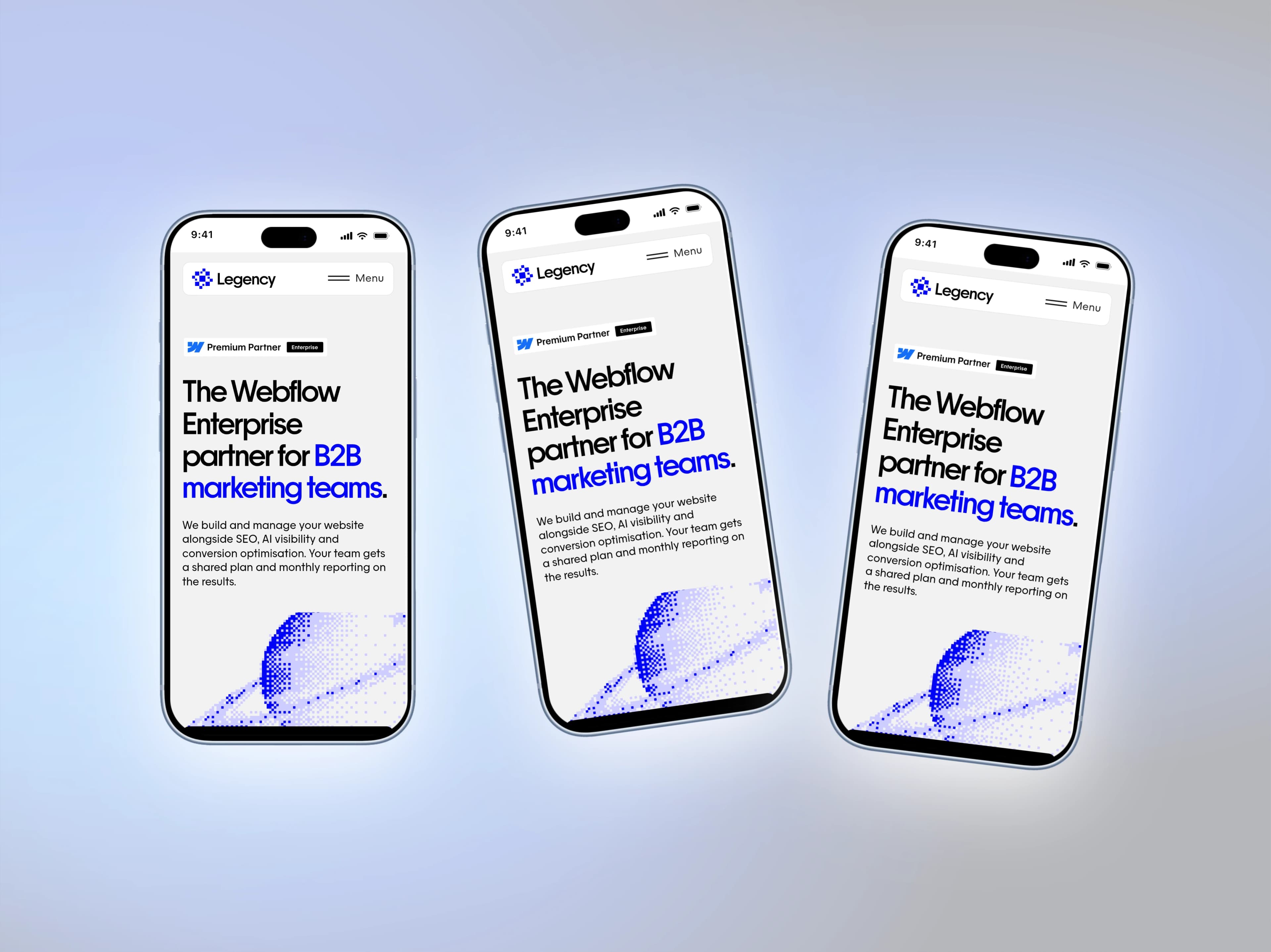
iPhone 18 Pro and Pro Max Mockups for Your App Screenshots
Mockship now has the iPhone 18 Pro and iPhone 18 Pro Max, in four finishes, so your mobile screenshots can sit in this year's phone the day you need them.
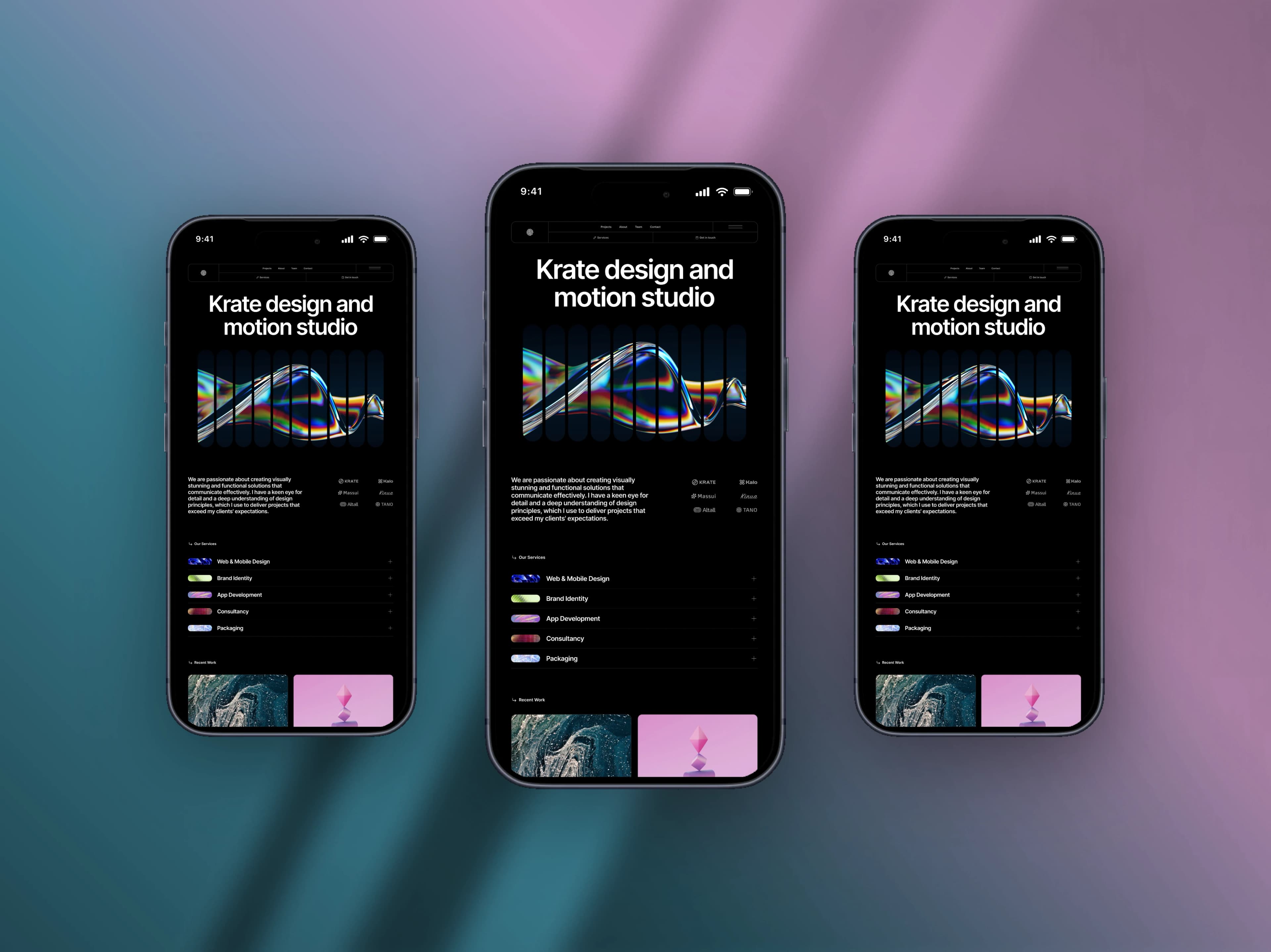
How to Make a Mobile Screenshot Mockup for Social Media
Turn a plain phone screenshot into a post worth showing — a real device frame, a backdrop that matches, and the right canvas for the feed.
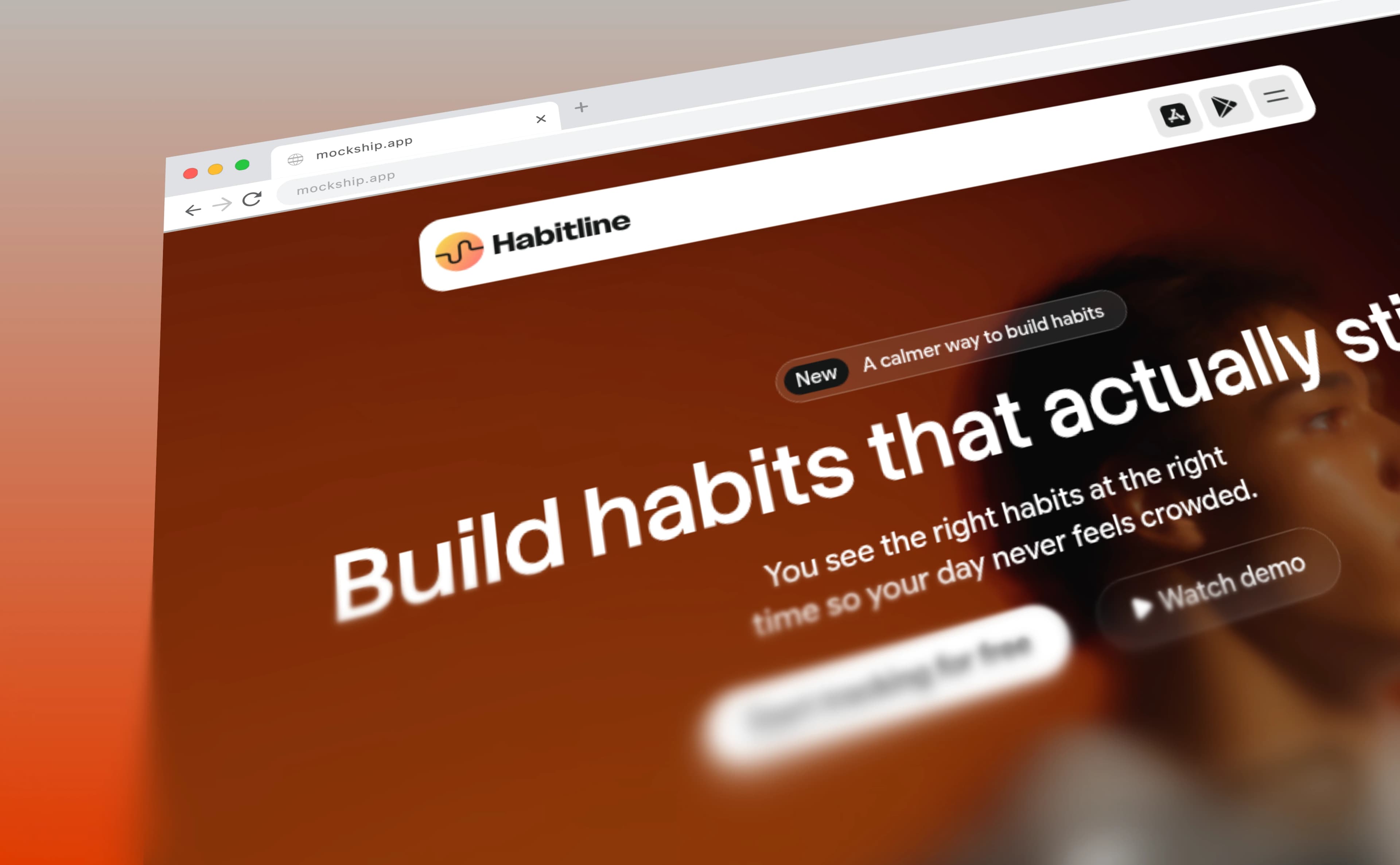
How to Add a Browser Frame to a Screenshot
The window chrome that turns a flat capture into a website — with your own domain in the address bar and your favicon on the tab.