How to Turn One Image Into a Social Carousel
Design one wide picture, cut it into slides, and let the swipe reveal it — the trick behind carousels that people actually finish.
2 min read
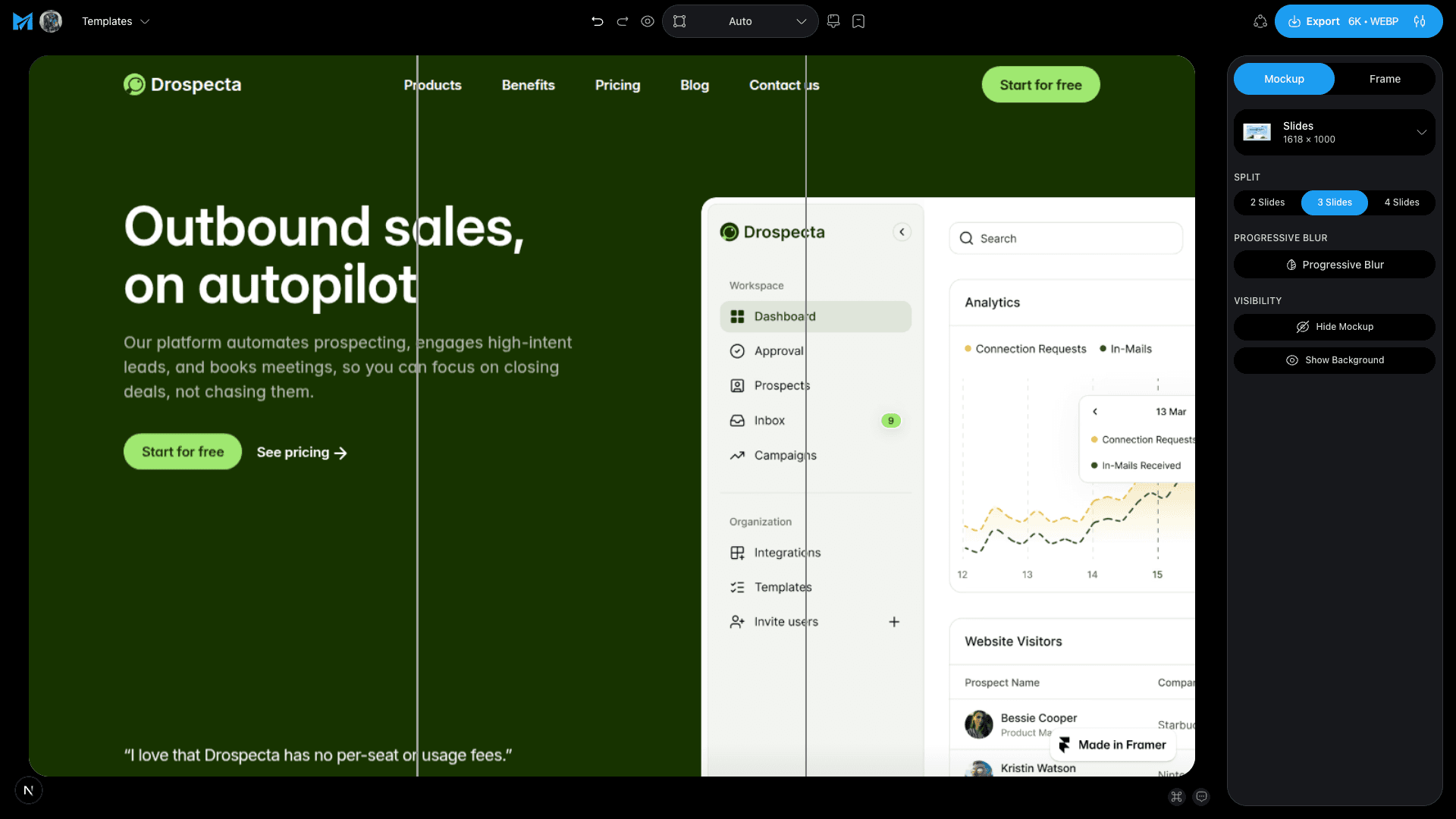
Most carousels are built slide by slide, which is why most carousels do not hold together. The alternative is to build one wide image and cut it up afterwards. The design runs continuously across the panels, so swiping reveals the next part of a single picture instead of turning a page.
That continuity is the whole mechanic. A shape that starts on slide one and finishes on slide two is a reason to swipe, and swipes are what the feed rewards.
How to build one
- 1
Start with the slides canvas
Each panel is 1120 × 1280, and the canvas is that panel repeated. Two slides gives you 2240 × 1280 to design across, three gives 3360, four gives 4480.
- 2
Choose the split first, not last
Pick 2, 3 or 4 slides before you compose. The split never resizes what you have already made, so deciding late means redoing the layout.
- 3
Compose across the seams, not around them
Put your mockup or headline so it crosses a cut. If every element sits neatly inside one panel you have made separate images that happen to be adjacent.
- 4
Keep the cuts clear of small text
A headline can survive being split. A caption cannot. Anything small should sit well inside a panel.
- 5
Export the whole set at once
One export slices the canvas and downloads every panel together as a zip, numbered in order — 1-of-3, 2-of-3, 3-of-3 — so you upload them without guessing which is which.
What to put across the slides
One long screenshot
A tall landing page or a wide dashboard cut into panels lets people scan something at a readable size that would be unreadable in a single post.
A before and after
Two slides, the raw capture on the left and the finished shot on the right. The swipe does the comparison for you.
A flow, one screen per panel
Three or four device frames on a continuous backdrop. The background carries across the cuts and holds the set together.
Upload the panels in numbered order and the carousel reassembles itself in the feed.
Make a carouselTags
Share
More from the blog
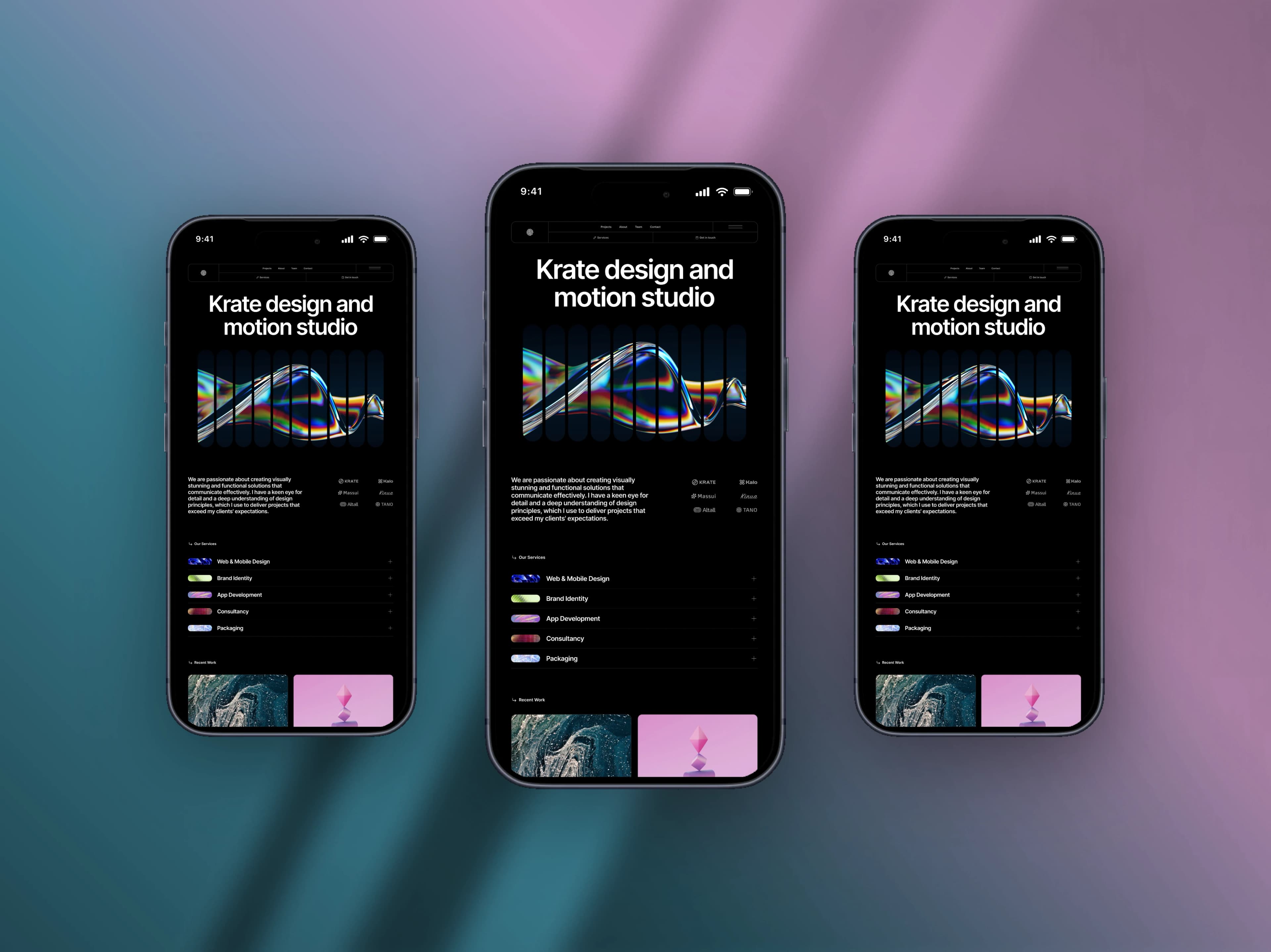
How to Make a Mobile Screenshot Mockup for Social Media
Turn a plain phone screenshot into a post worth showing — a real device frame, a backdrop that matches, and the right canvas for the feed.
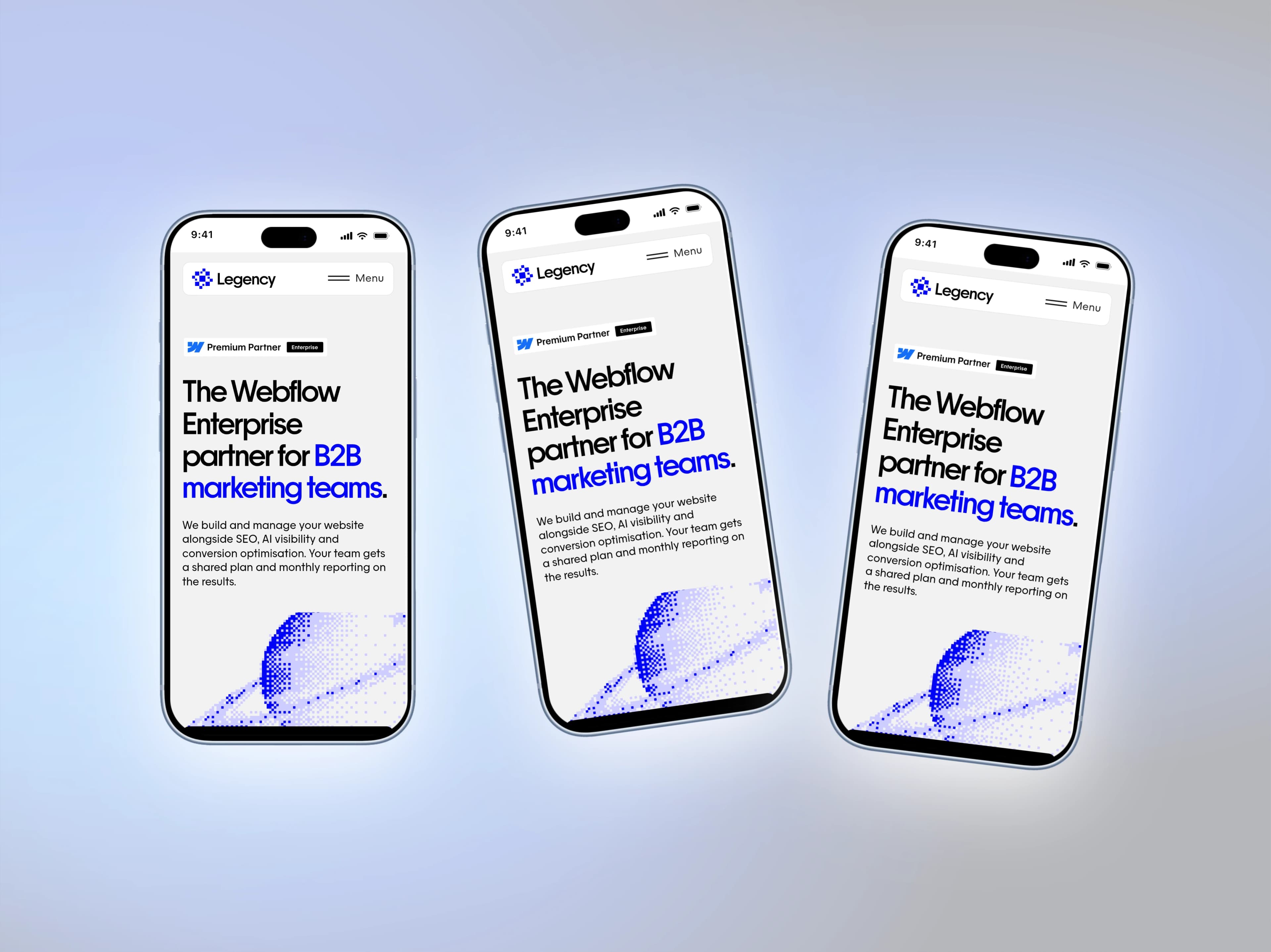
iPhone 18 Pro and Pro Max Mockups for Your App Screenshots
Mockship now has the iPhone 18 Pro and iPhone 18 Pro Max, in four finishes, so your mobile screenshots can sit in this year's phone the day you need them.
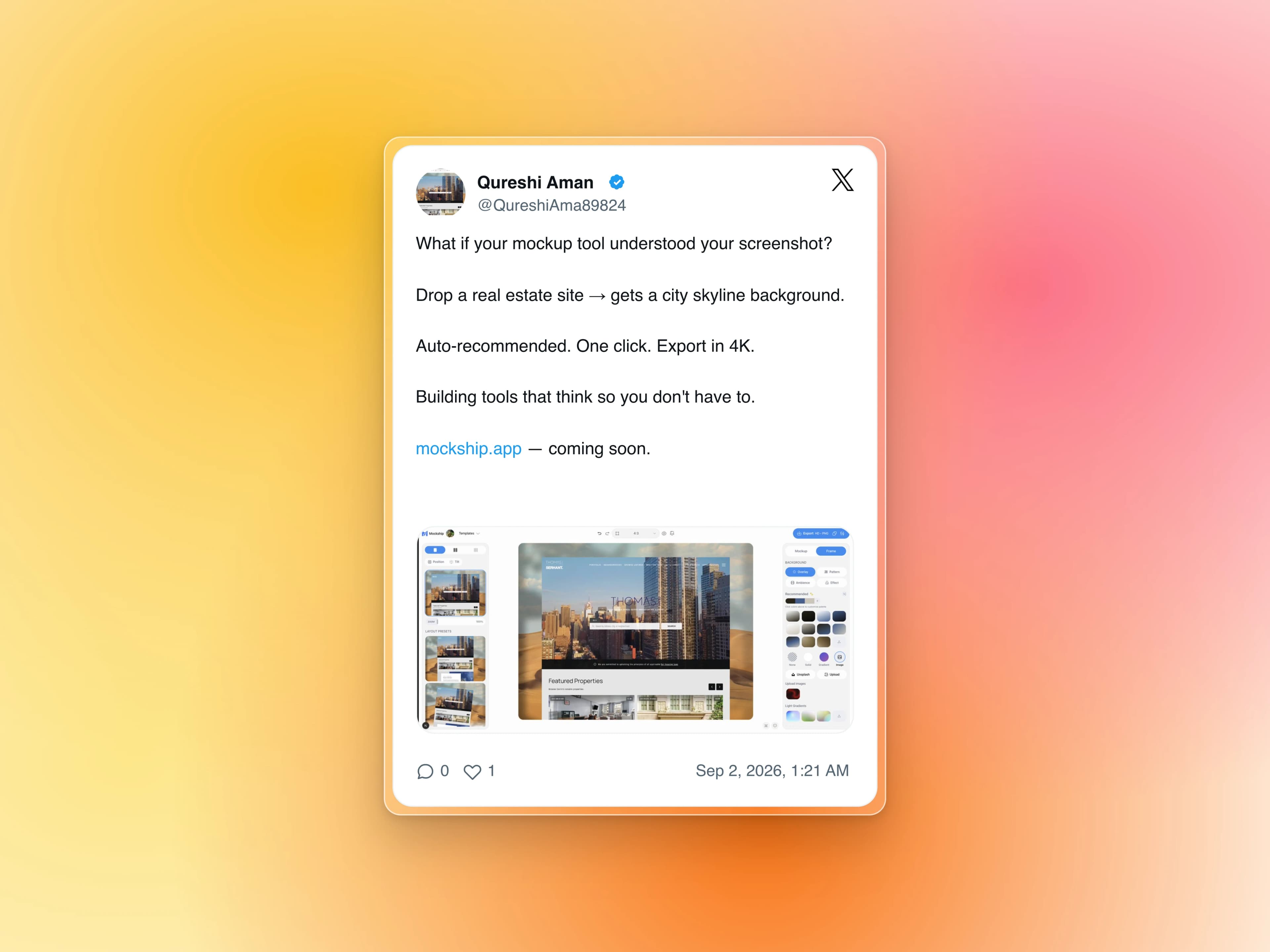
How to Turn a Tweet Into a Beautiful Image
Paste the link, get the real post as a clean card on a backdrop — no cropping a screenshot, no stray UI, no blurry text.