6 Best Free BrandBird Alternatives (No Watermark) – 2026
BrandBird's free plan stamps a watermark on your exports. These six tools let you make polished screenshots and mockups for free, checked in October 2026.
4 min read
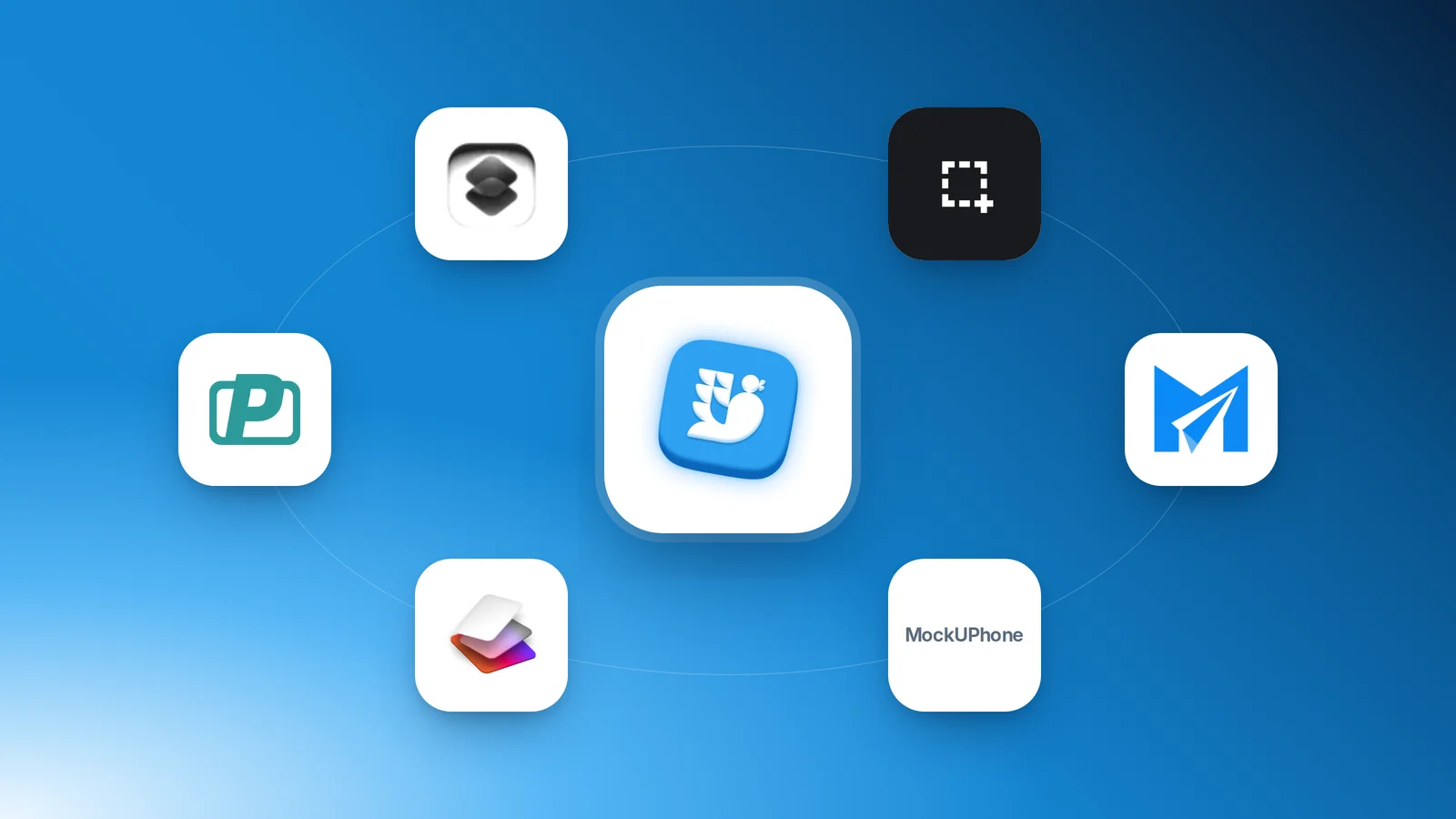
BrandBird is a popular way to turn screenshots into polished images, and its free plan gives you unlimited exports. The catch is the watermark: according to BrandBird's own pricing page, removing it is a Pro feature at $15 a month. If you only need clean images now and then, paying for that is hard to justify.
Here are six alternatives you can use for free. We checked each one in October 2026. Where a tool's own site says plainly that free exports have no watermark, the table says None. Where it does not say either way, the table says so, and you should check before you rely on it. Plans change, so treat every detail as a snapshot.
One disclosure up front: Mockship is our product, and it is first on the list. The rest are tools we would genuinely point a friend to, each with a clear thing it does best.
The quick comparison
| Tool | Free export | Watermark | Signup | Paid plan |
|---|---|---|---|---|
| Mockship | PNG, JPEG at HD | None | Not needed | Pro $9/mo or $84/yr |
| Shots.so | PNG at 1× and 2× | None on static images | Not stated | Paid plans for 4K, 6K, WebP, GIF |
| Screenshot Studio | PNG, JPEG, WebP up to 5×; MP4, WebM, GIF | None | Not needed | None, open source |
| DeviceShots | PNG, JPG, WebP, SVG up to 4× | None | Not needed | None listed |
| PostSpark | PNG, JPG, MP4 | Not stated | Not stated | Pro for video and animation |
| MockUPhone | PNG | Not stated | Not stated | None, open source |
1. Mockship
Best for backdrops that match your screenshot, and for social posts. Mockship reads the colours out of your screenshot and builds gradients and meshes from them, so the background agrees with your app instead of fighting it. It covers bare screenshots, browser windows and 22 device frames, plus ready-made templates and X and Bluesky post cards.
Free
PNG and JPEG at HD with no watermark and no account, the device frames, 10 templates, carousel slides and the nature and texture backdrops in full.
Pro
$9 a month or $84 a year for 4K and 6K export, WebP, share links, a Brand Kit, all 20 templates and the premium backdrops. A one-time Lifetime plan is $149 for the first 100 buyers, then $199.
2. Shots.so
Best for a large library of ready-made mockups. Shots.so has device mockups, templates, animated mockups and video zoom, and its free static exports come out at 1× and 2× with no watermark. Higher resolutions, WebP and GIF export and longer video are on its paid plans.
3. Screenshot Studio
Best for animation and video. Screenshot Studio is free and open source under the Apache 2.0 licence, with no signup, no watermark and no paid tier. Beyond still images it can tilt a screenshot in 3D, animate it and export MP4, WebM or GIF, and it exports images at up to 5×.
4. DeviceShots
Best for the widest range of devices. DeviceShots has 76 device frames across phones, tablets, laptops, desktops, displays and watches. It runs in your browser with no account, no watermark and no upload, and exports PNG, JPG, WebP or SVG at up to 4×, with transparent backgrounds.
5. PostSpark
Best for annotated screenshots and code snippets. PostSpark adds backgrounds, browser frames, text, arrows and blur, has device mockups and X and Bluesky post layouts, formats code snippets, and exports PNG, JPG or MP4. It also has Chrome, Firefox and VS Code extensions. Its Pro plan unlocks video mockups and animations. Its site does not say whether free exports carry a watermark, so try an export before you commit to it.
6. MockUPhone
Best for a simple phone mockup. MockUPhone is free and open source, and wraps a screenshot in an iPhone, iPad, Android or TV frame that you download as a PNG. It is deliberately simple: no backgrounds or styling, just the device.
Other tools with a watermark or attribution
Like BrandBird, these free plans do not meet the no-watermark bar, according to their own pricing pages in October 2026.
Pika
Removing the Pika watermark is a paid feature. Pro is $13 a month or $150 a year.
Mockuuups Studio
The free mockup collection is limited and requires attribution. Its main library is on paid plans.
How to choose
You post screenshots on X, LinkedIn or Bluesky
Use Mockship. Matched backdrops, templates and post cards cover most launch and update posts.
You want a big mockup library
Use Shots.so for its range of ready-made device mockups.
You need motion
Use Screenshot Studio for animated mockups and video export.
You need an unusual device
Use DeviceShots, which has the largest frame library here.
You annotate screenshots or share code
Use PostSpark for arrows, text and code snippets, after checking its free export.
You only need a bare phone
Use MockUPhone.
If you want to see what a finished result should look like, the screenshot beautifier guide walks through backgrounds, frames and export step by step.
Frequently asked questions
Tags
Share
More from the blog
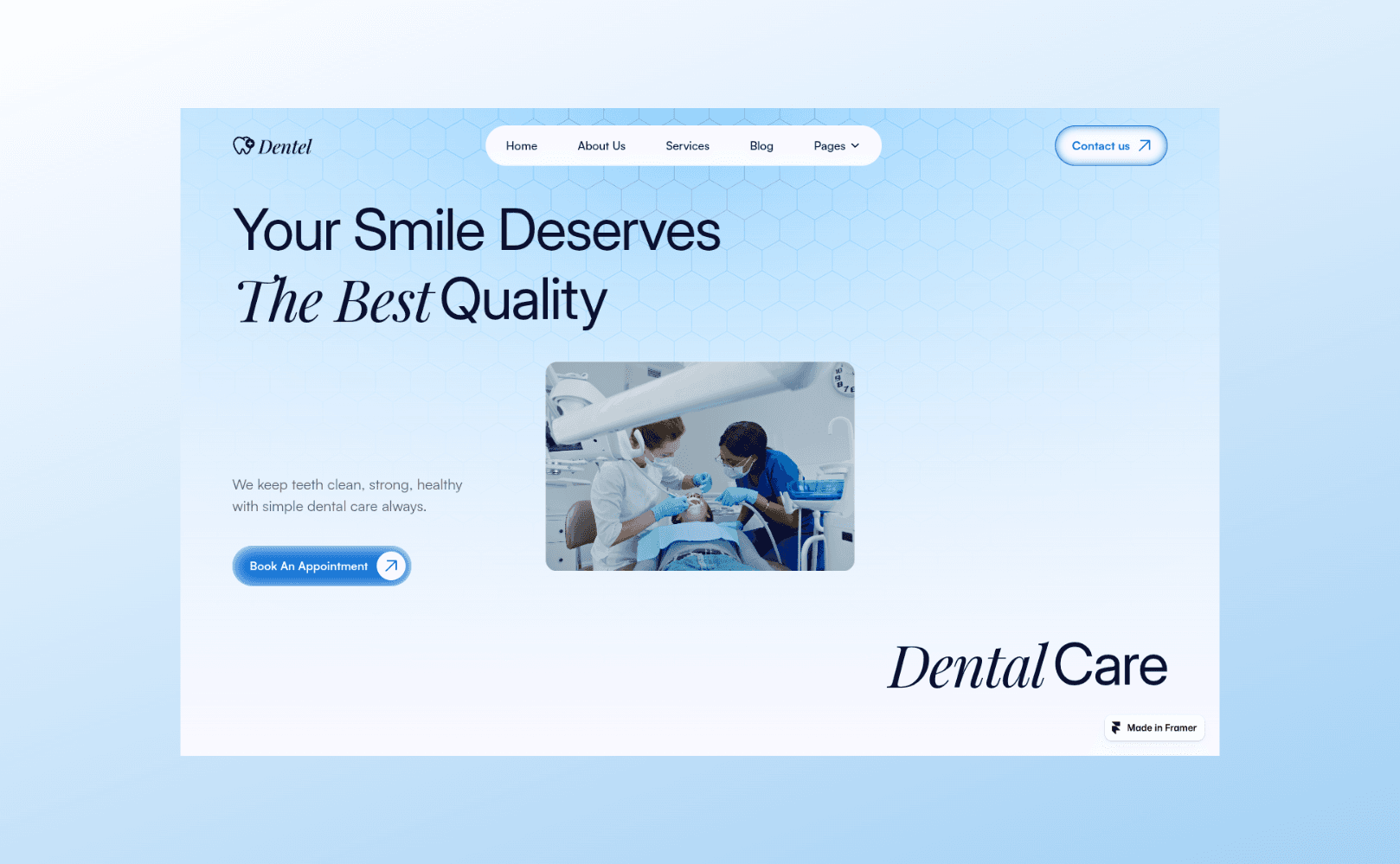
Screenshot Beautifier: How to Make Beautiful Screenshots for Free in 2026
Add a background, a frame and a shadow to any screenshot in your browser, then export it at HD with no watermark. Here is how, and what to choose at each step.
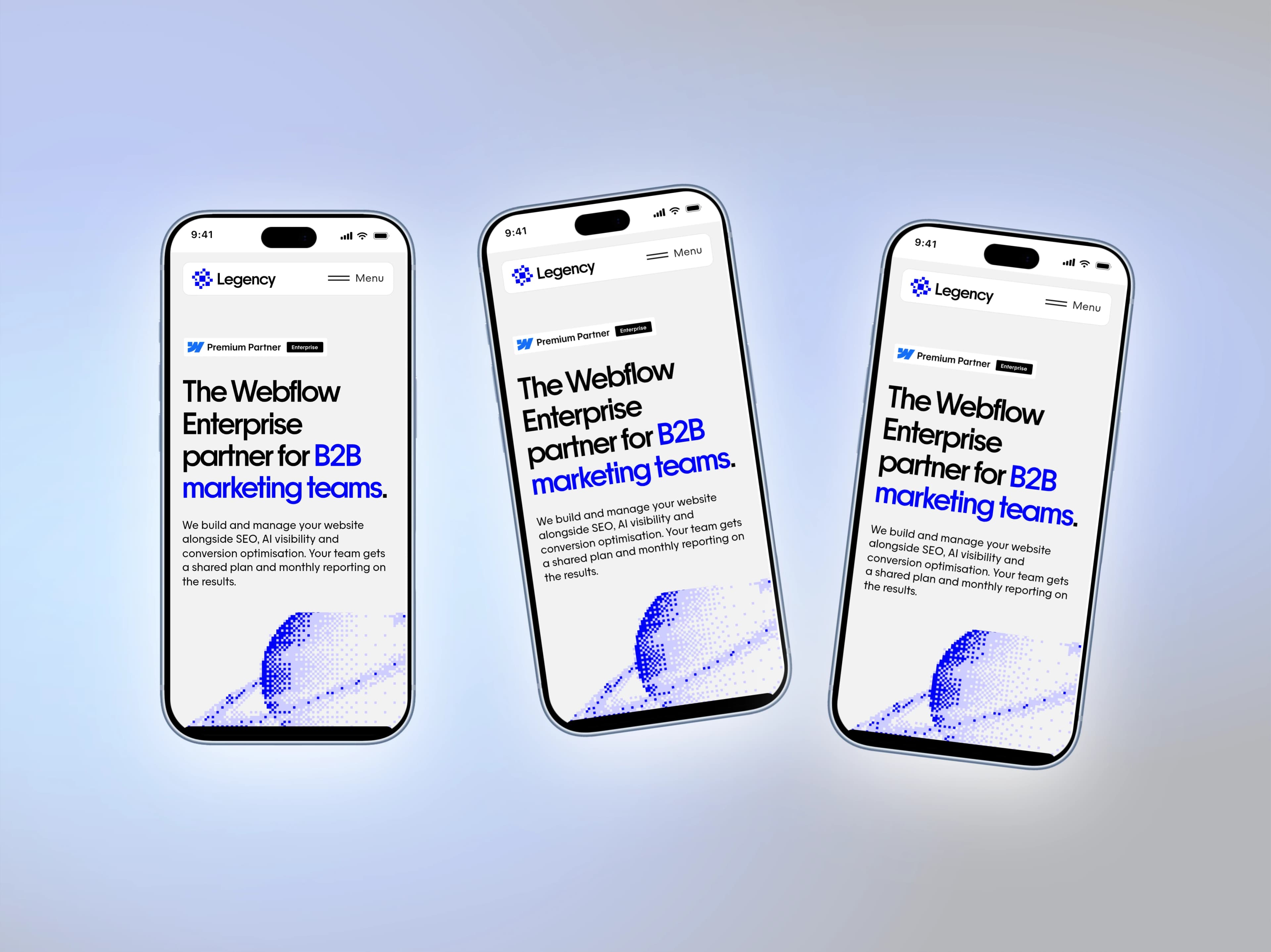
iPhone 18 Pro and Pro Max Mockups for Your App Screenshots
Mockship now has the iPhone 18 Pro and iPhone 18 Pro Max, in four finishes, so your mobile screenshots can sit in this year's phone the day you need them.
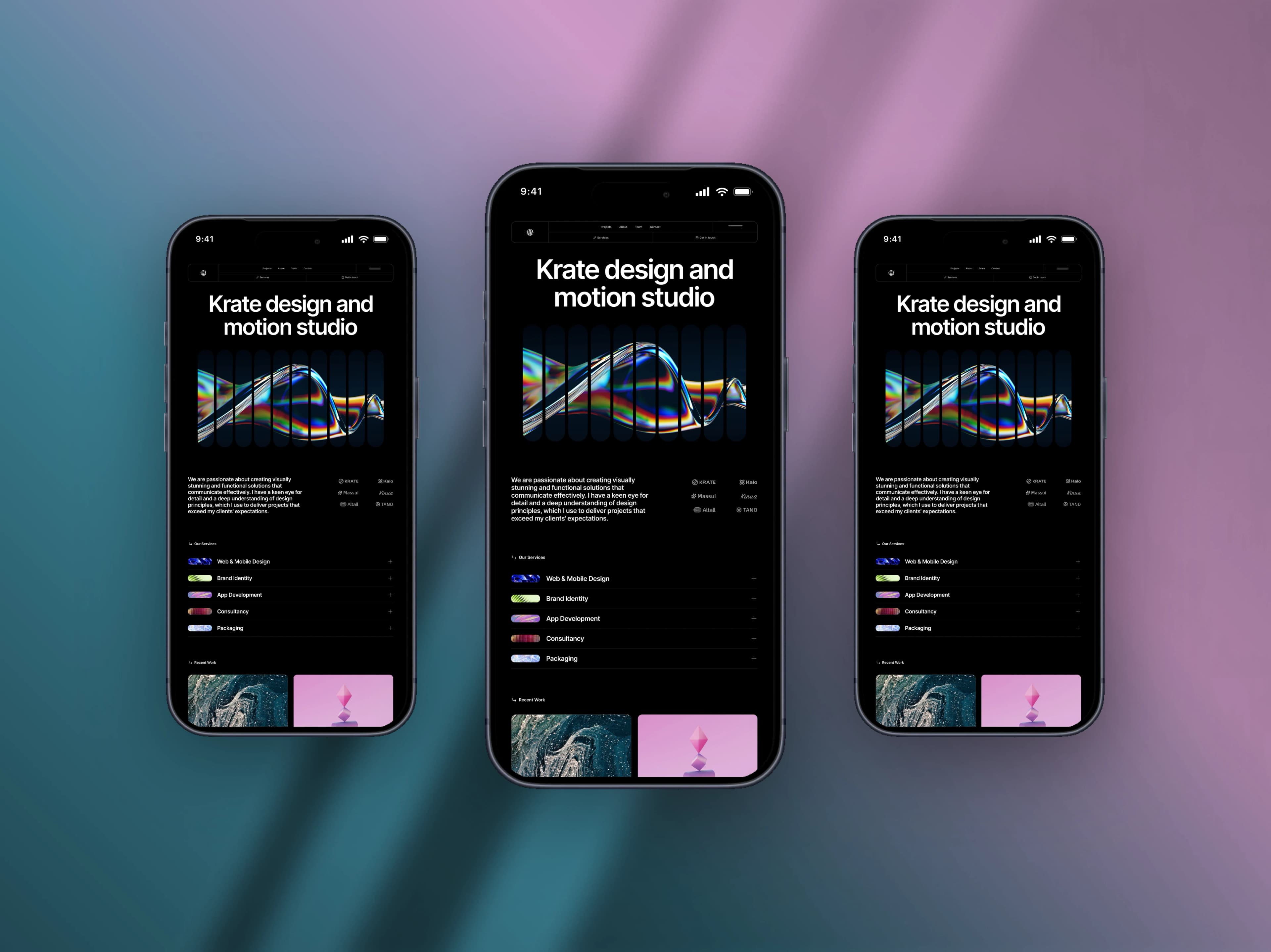
How to Make a Mobile Screenshot Mockup for Social Media
Turn a plain phone screenshot into a post worth showing — a real device frame, a backdrop that matches, and the right canvas for the feed.