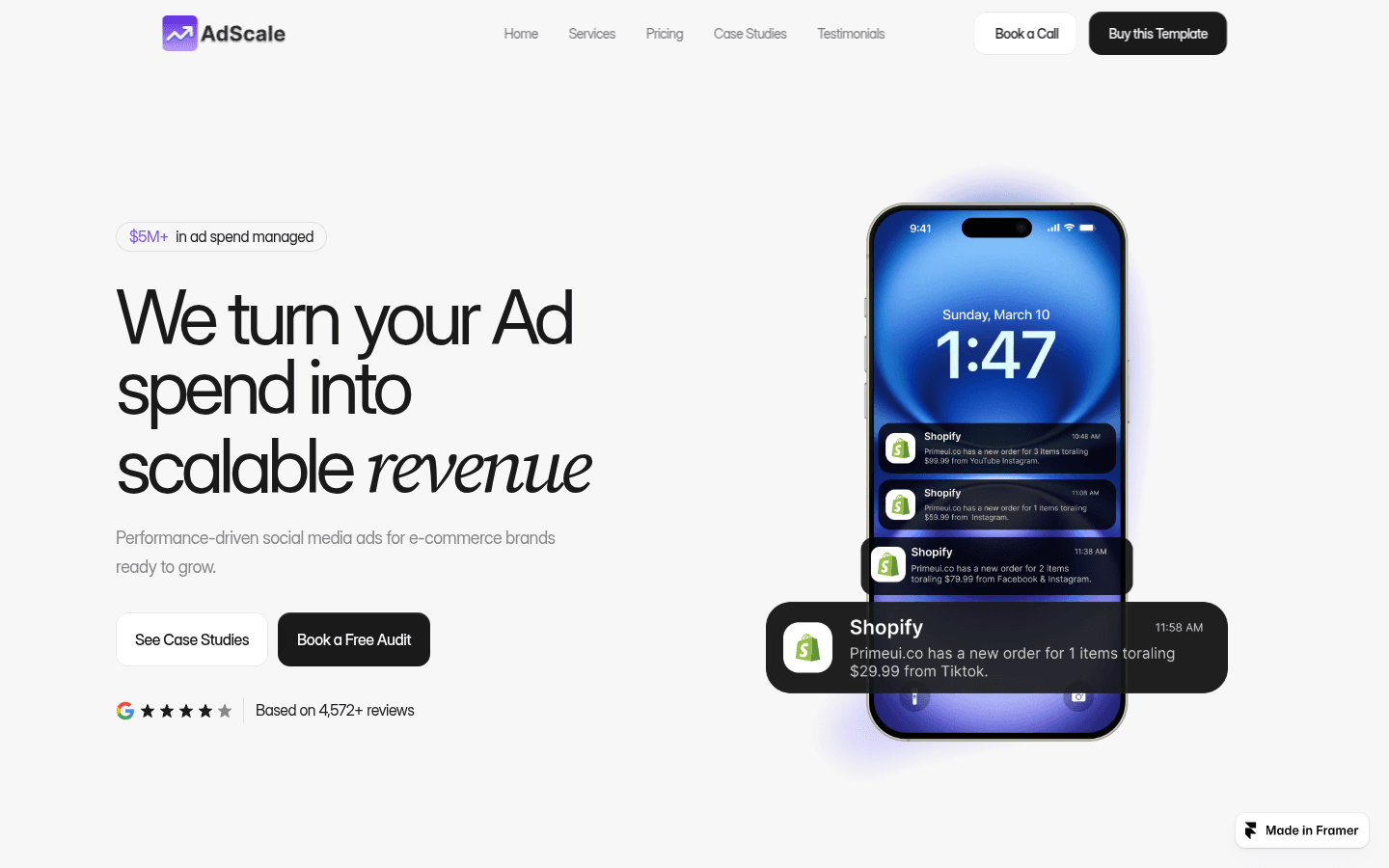
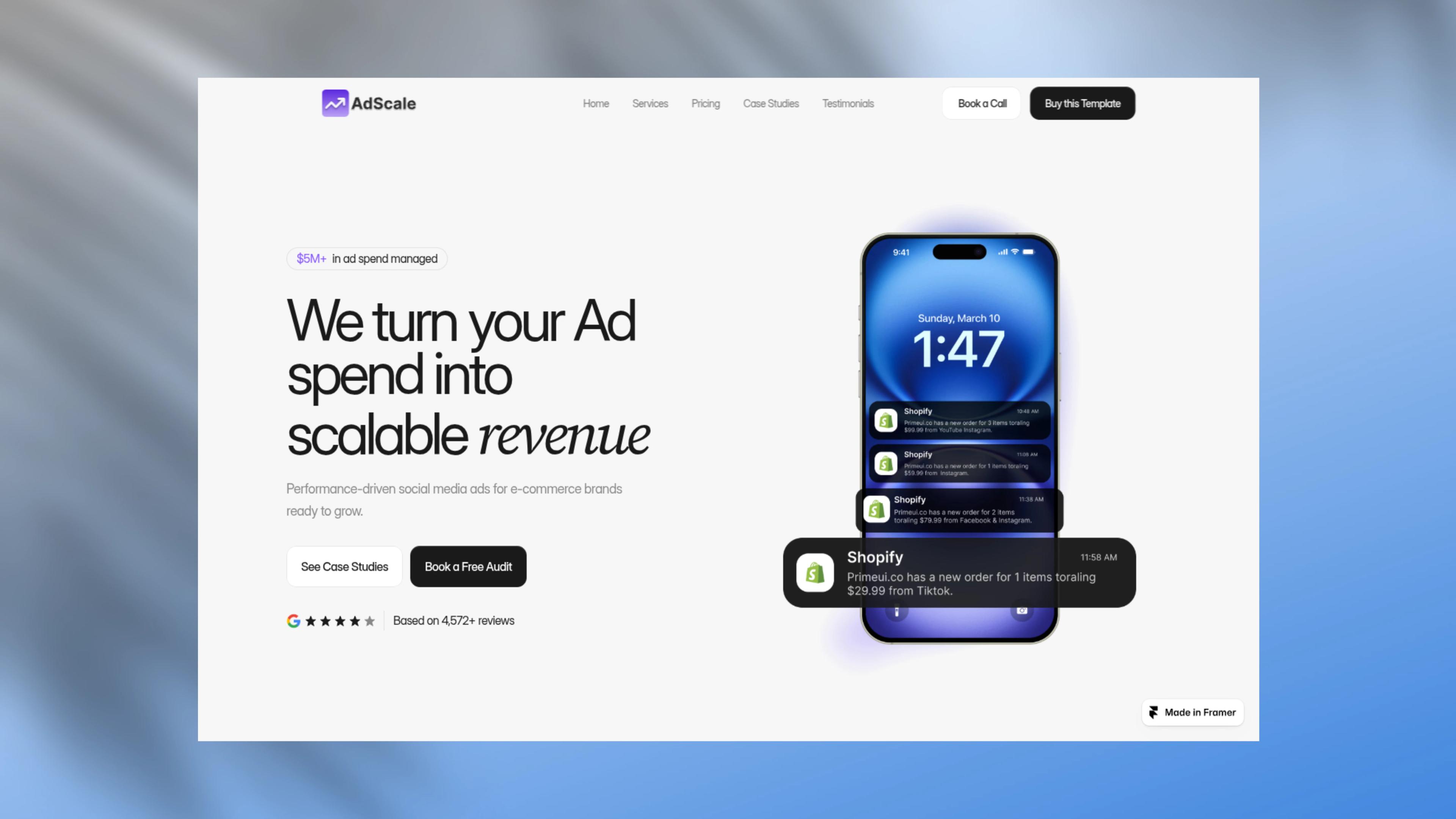
NewGrid Mockup: a whole wall of your screens

Screenshot Editor &
Beautifier

made for Websites

Drop in a screenshot, wrap it in a device or browser frame, and set it on a backdrop worth posting. Export in seconds — no signup, no watermark.
Every screenshot tool, in one editor

Frames, backdrops and exports that turn a raw capture into something worth posting.

Device mockups

iPhone, iPad, MacBook, iMac and Android bodies with real bezels.

Browser frames

Safari or Chrome chrome with your own domain in the bar.

Full-page screenshots

A whole landing page in one tall mockup, not a thumbnail.

Social post cards

Paste an X or Bluesky link and get a clean post image.

Carousel slides

One canvas, exported as a swipeable set for any feed.

Grid mockups

Tile website or app screens into one tilted, isometric wall.

Progressive blur

A soft depth fade that melts the backdrop behind the frame.

Shadows and overlays

13 shadow overlays and 14 patterns for depth and grain.

Brand kit

Logo, brand colour and watermark on every export, one click.

Saved designs

Keep designs in your account and reopen them anywhere.

Shareable links

Publish a public link to any design, ready to paste.

Sharp exports

HD PNG and JPEG free, no watermark. 4K, 6K and WebP on Pro.

How to make a screenshot
mockup in 3 steps

Drop in

Drop in a screenshot,
keep every pixel

  • Drag, paste or upload a PNG, JPEG or WebP
  • Full-page captures keep their full height
  • Nothing leaves your browser unless you save
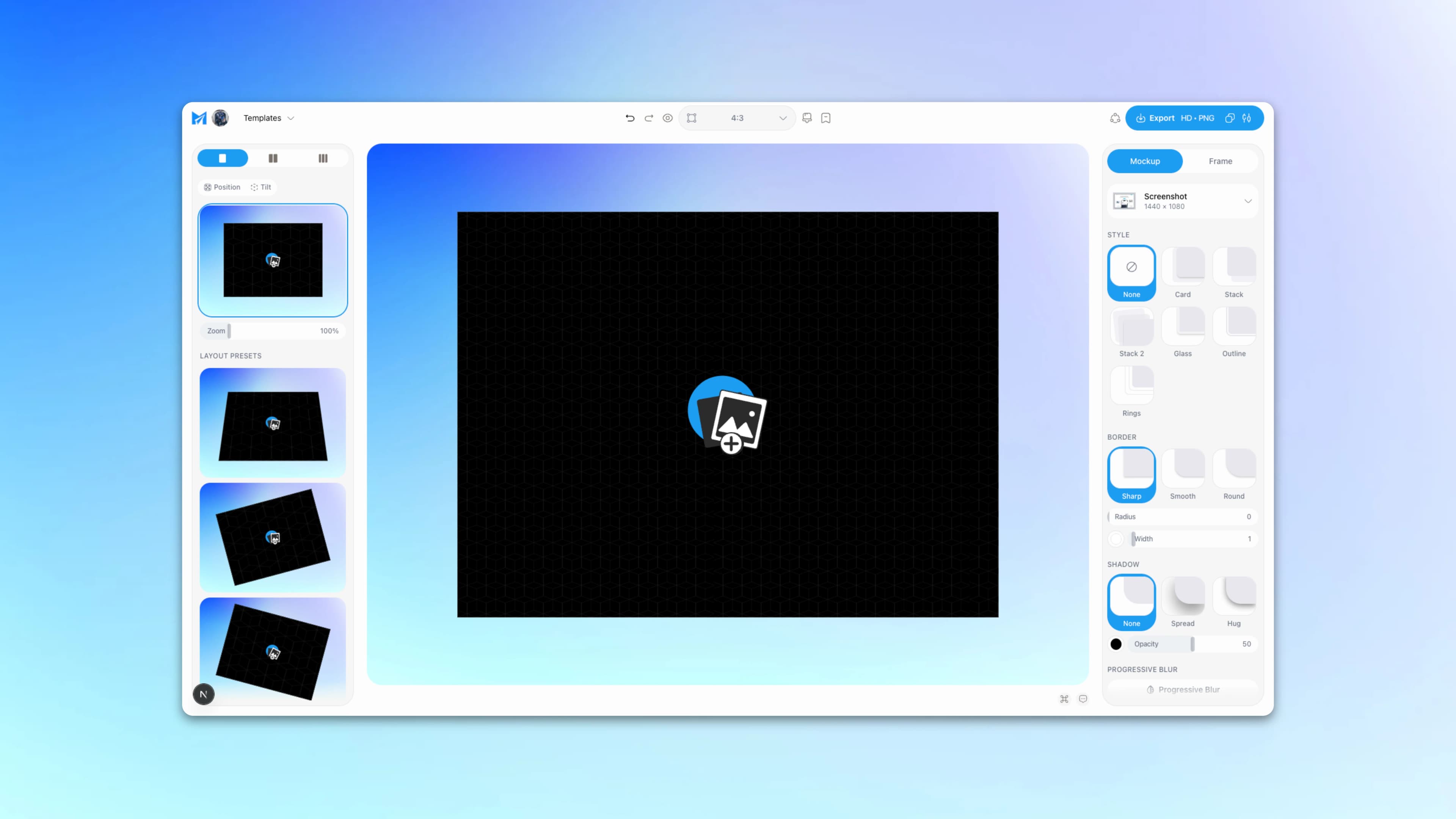
A screenshot dropped onto the Mockship canvas
Style

A frame that fits,
a backdrop that matches

  • 22 device bodies and clean browser frames
  • Gradients built from your screenshot's own colours
  • Shadow, noise and fades in one click
Export

Export once,
post it everywhere

  • Canvas presets for X, LinkedIn, the App Store and more
  • HD PNG and JPEG free, with no watermark
  • 4K, 6K and WebP when you go Pro
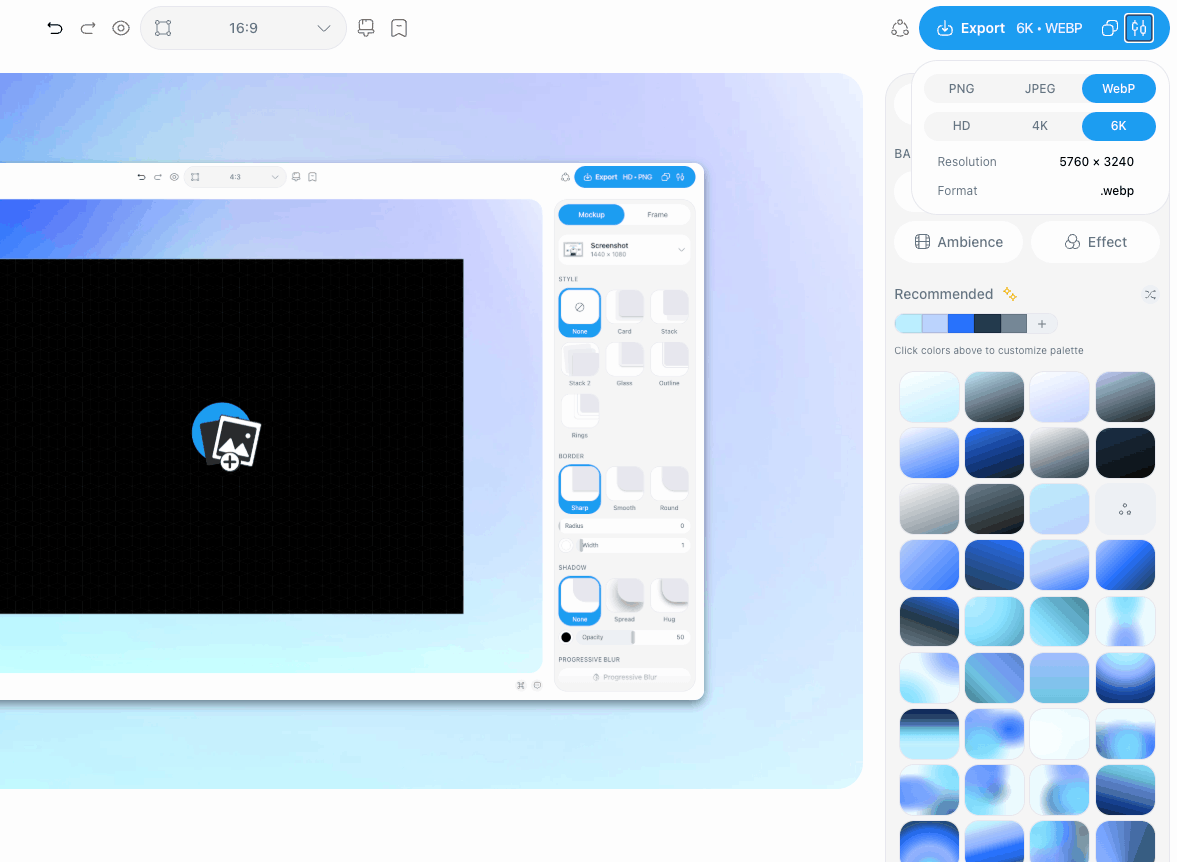
A finished post image ready to export

Beautify your screenshots

A plain website screenshot
The same screenshot finished in Mockship

All you need for a beautiful screenshot

Frames, arrangements, backdrops and templates — counted, not estimated. Every number here is what actually ships.

Composed and exported right in the editor. HD PNG and JPEG are free with no watermark and no signup; 4K, 6K and WebP come with Pro.

Free forever. Pro when you need more.

Start free, upgrade anytime

Start free with no account. Upgrade when you want the premium backdrops, every frame and high-resolution export.

Free

Everything you need to ship a screenshot.

$0

Free forever — no card, no signup.

  • No account, no card
  • No watermark, ever
  • PNG & JPEG export at HD
  • 22 device frames, 64 arrangements
  • Nature & texture backdrops in full
  • 8 backdrops from every other set
  • 10 ready-made templates

Pro Monthly

Flexible — cancel anytime.

$5.99/month

3 days free, then $5.99 a month.

  • 4K & 6K export, plus WebP
  • Public share links
  • Brand Kit — your logo, colors & watermark
  • 1 GB cloud storage, unlimited saved designs
  • All 20 templates, free and premium
  • All 158 premium backdrops
  • All 14 patterns and 13 shadow overlays
  • Your own colors in Recommended backdrops

Pro Yearly

30% off

Save 30%, paid once a year.

$49.99/year

That's $4.17 a month. 3 days free first.

  • 4K & 6K export, plus WebP
  • Public share links
  • Brand Kit — your logo, colors & watermark
  • 1 GB cloud storage, unlimited saved designs
  • All 20 templates, free and premium
  • All 158 premium backdrops
  • All 14 patterns and 13 shadow overlays
  • Your own colors in Recommended backdrops

Frequently Asked questions

Everything worth knowing before you drop your first screenshot in.

Mockship is a free online screenshot editor and mockup generator. Drop in a screenshot, place it in an iPhone, iPad, Android, MacBook or browser frame, add a background and shadow, and export an image ready for your website, App Store page or social posts. It also turns tweets, Bluesky posts and code snippets into clean images.

Yes. The editor, every device and browser frame, and HD export in PNG or JPEG are free, with no watermark and no signup. Pro is optional and adds extras like premium backdrops and templates, 4K and 6K export, WebP and share links.

Open the studio and drop in your screenshot. Pick a mockup (a phone, a laptop, a browser window or a plain framed screenshot), then choose a layout, a background and a shadow. Click Export to download your image. It takes about a minute.

No. You can design and download without signing up. A free account lets you save up to 3 designs to come back to later. With Pro, your saved designs, Brand Kit and plan follow you to any device.

They're only used to build your mockup. While you edit, they're kept in your browser so they're still there when you come back. If you sign in and save a design, it's stored in your account so you can open it anywhere, and you can delete it at any time.

PNG and JPEG in HD are free, with no watermark. Pro adds WebP and 4K and 6K sizes, for sharp images on large screens, retina displays and print.

$5.99 a month or $49.99 a year (shown in rupees, euros or pounds where that applies), with a 3-day free trial. Pro unlocks premium backdrops and templates, patterns and shadow overlays, 4K and 6K export plus WebP, public share links, a Brand Kit and 1 GB of cloud storage. Every device and browser frame stays free.

iPhone 15, 16, 17 and 18 models, iPad Air, iPad mini and both iPad Pro sizes, Google Pixel, Samsung Galaxy and OnePlus phones, the Pixel Tablet, three MacBook Pro sizes and the iMac. You also get Safari, macOS and Windows browser windows, full-page screenshots, and cards for tweets, Bluesky posts and code.

Yes. Everything you export is yours to use: launch posts, App Store listings, landing pages, ads and client work. No attribution is needed.

Your next screenshot is
two clicks away.

Drop a screenshot in, pick a frame and a backdrop, and export. No signup, no watermark.